
How to Reuse Leftover PPF with YINK Software
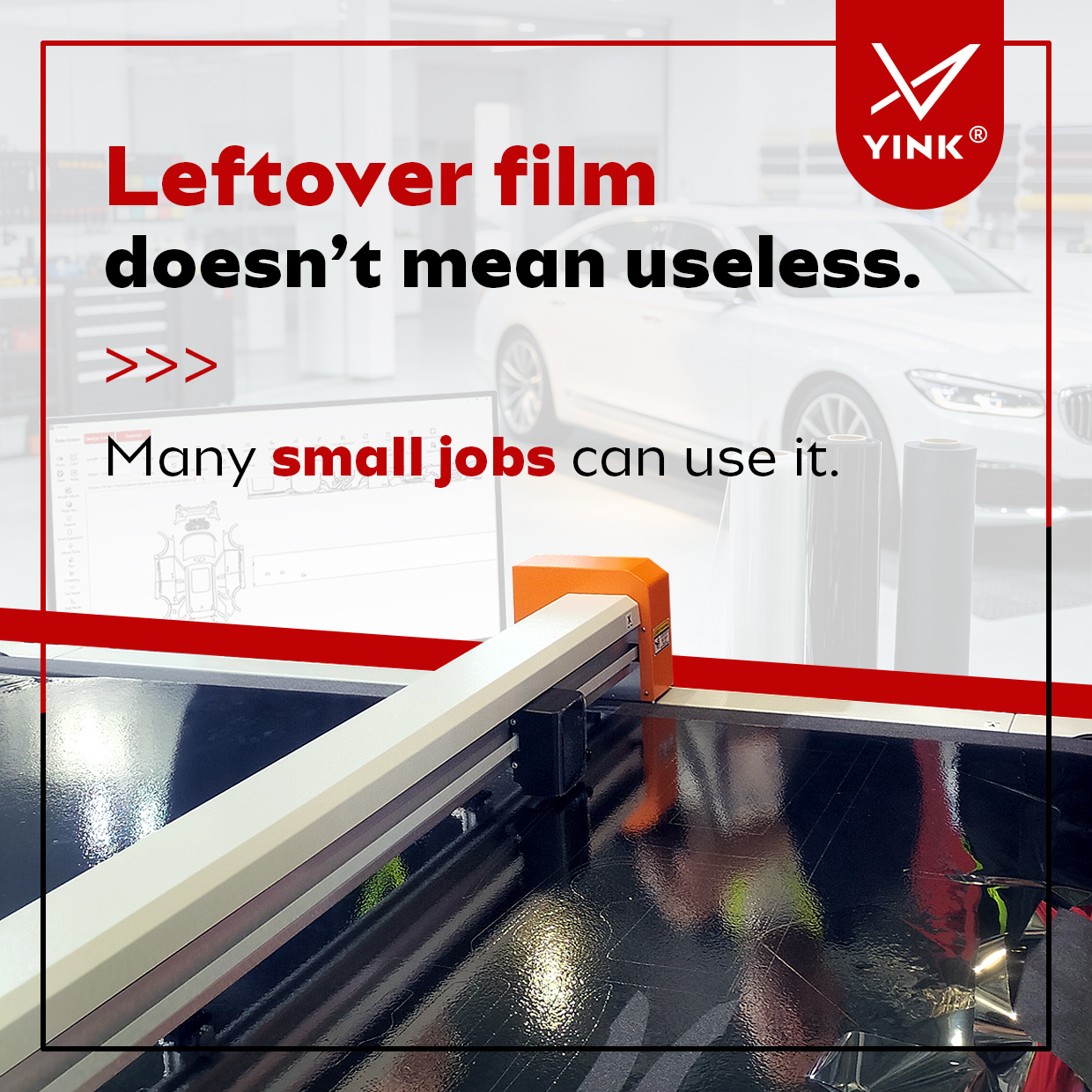
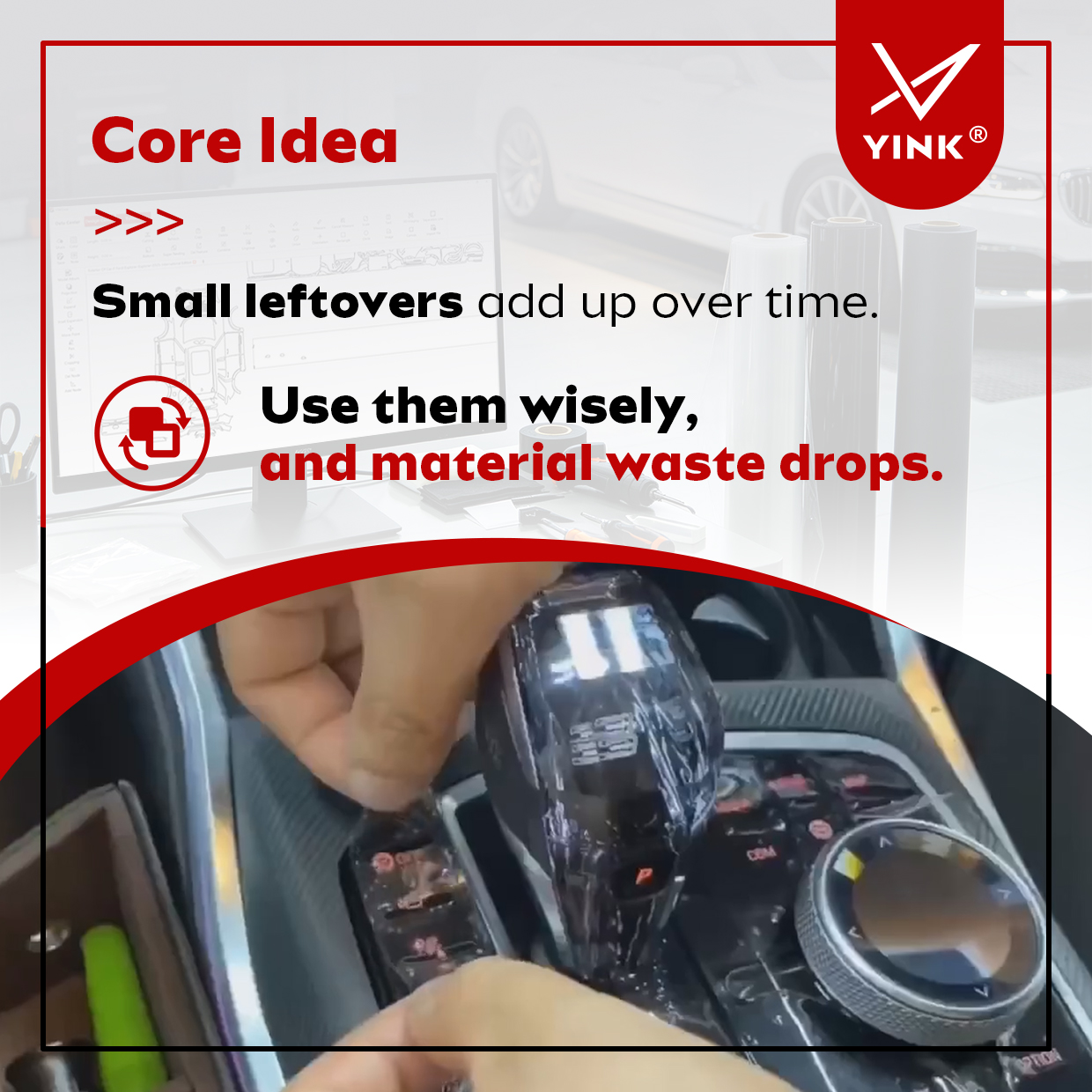
After cutting a job, you may have a short piece of film left over. Before throwing it away or loading a new roll, check whether it can accommodate a smaller pattern.
The key is to check the usable film dimensions first, then arrange suitable patterns within that space. A leftover piece may still be useful, even when it cannot fit a large panel.
Which Parts Can Be Cut from Leftover Film?
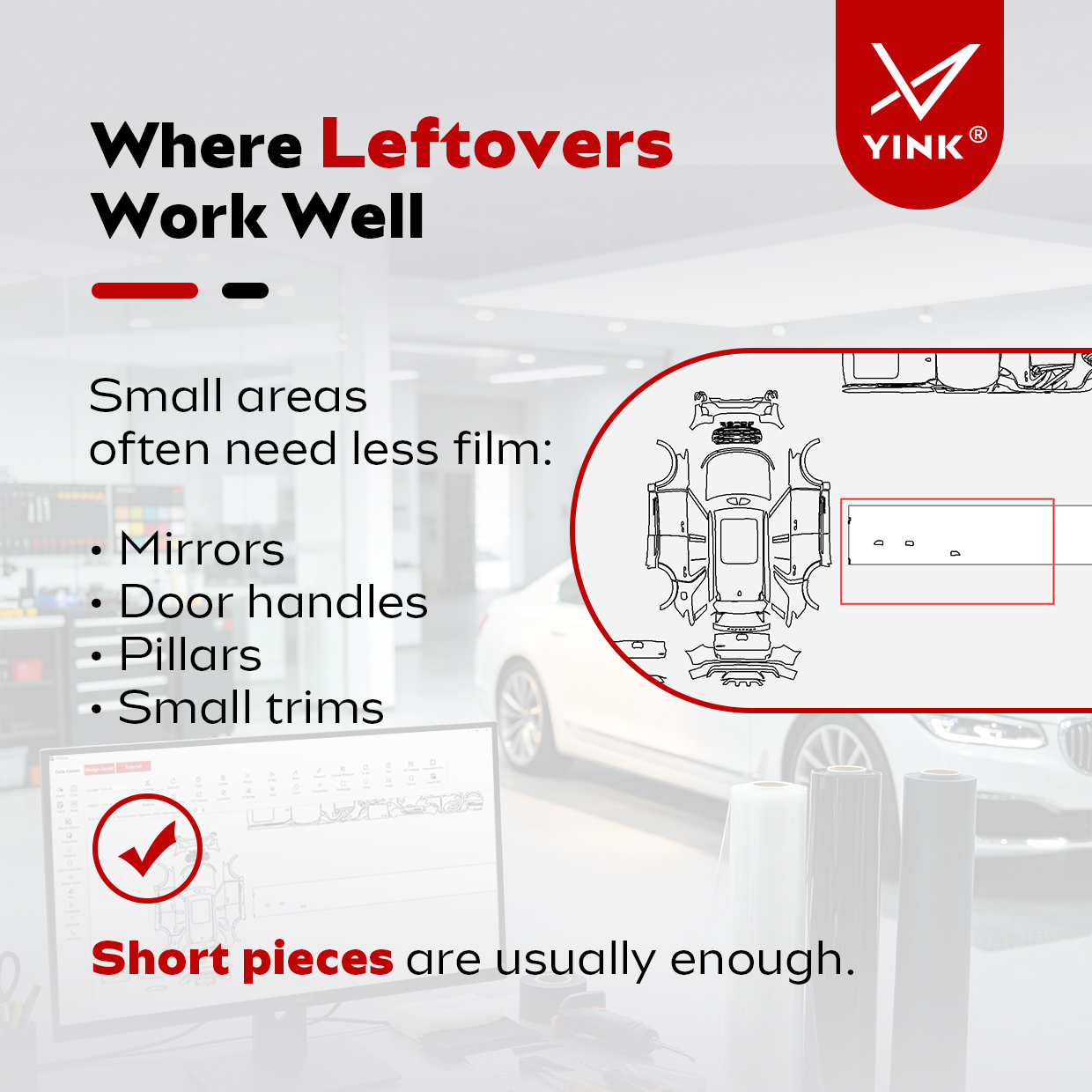
Smaller patterns are good candidates for leftover PPF. Depending on the dimensions of the piece and the selected pattern, possible uses include:
Mirror patterns
Some mirror patterns may fit into a shorter piece of film. Check the complete pattern dimensions before cutting.
Door handle patterns
Small door handle patterns may fit into material remaining from a larger job.
Window pillar patterns
A narrow leftover strip may be suitable for a pillar pattern if its usable width and length are sufficient.
Small trim patterns
Smaller trim sections may also fit into leftover film that is unsuitable for a larger panel.
A small part does not automatically mean the leftover piece will fit. Always compare the actual pattern with the usable material area.
How Do You Arrange Patterns to Fit Leftover Film?
Before loading a new roll, measure the remaining piece and check its dimensions against the layout in YINK.
01 Measure the usable film
Check the width and length of the leftover piece. Use the area that is actually suitable for cutting, rather than relying only on its outside dimensions.
02 Check the canvas and pattern dimensions
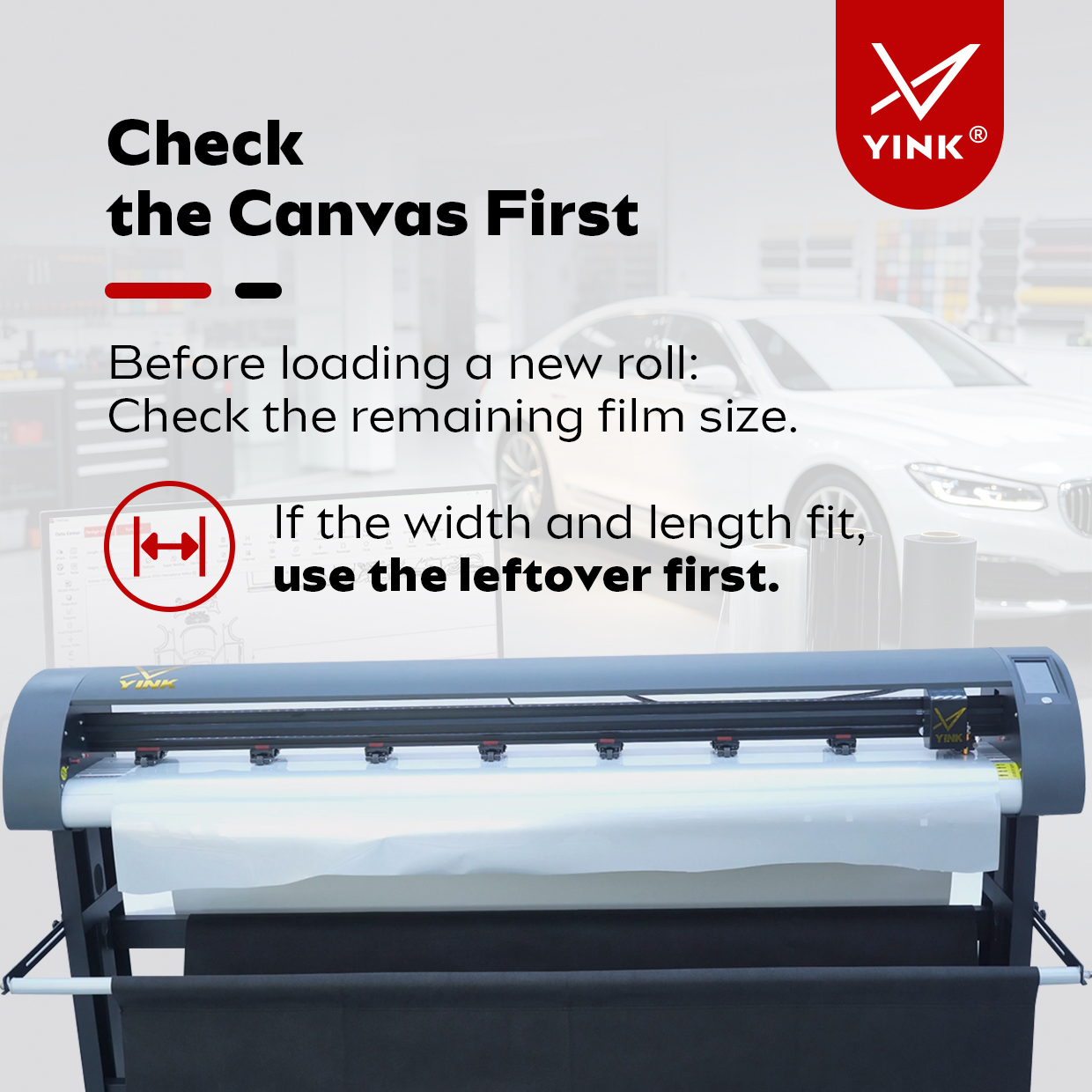
In YINK, check the canvas dimensions and the size of the patterns you want to cut. Confirm that the planned layout can fit within the remaining film.
The canvas represents the available cutting area. The physical film is loaded into the cutting machine.
03 Place suitable patterns on the canvas
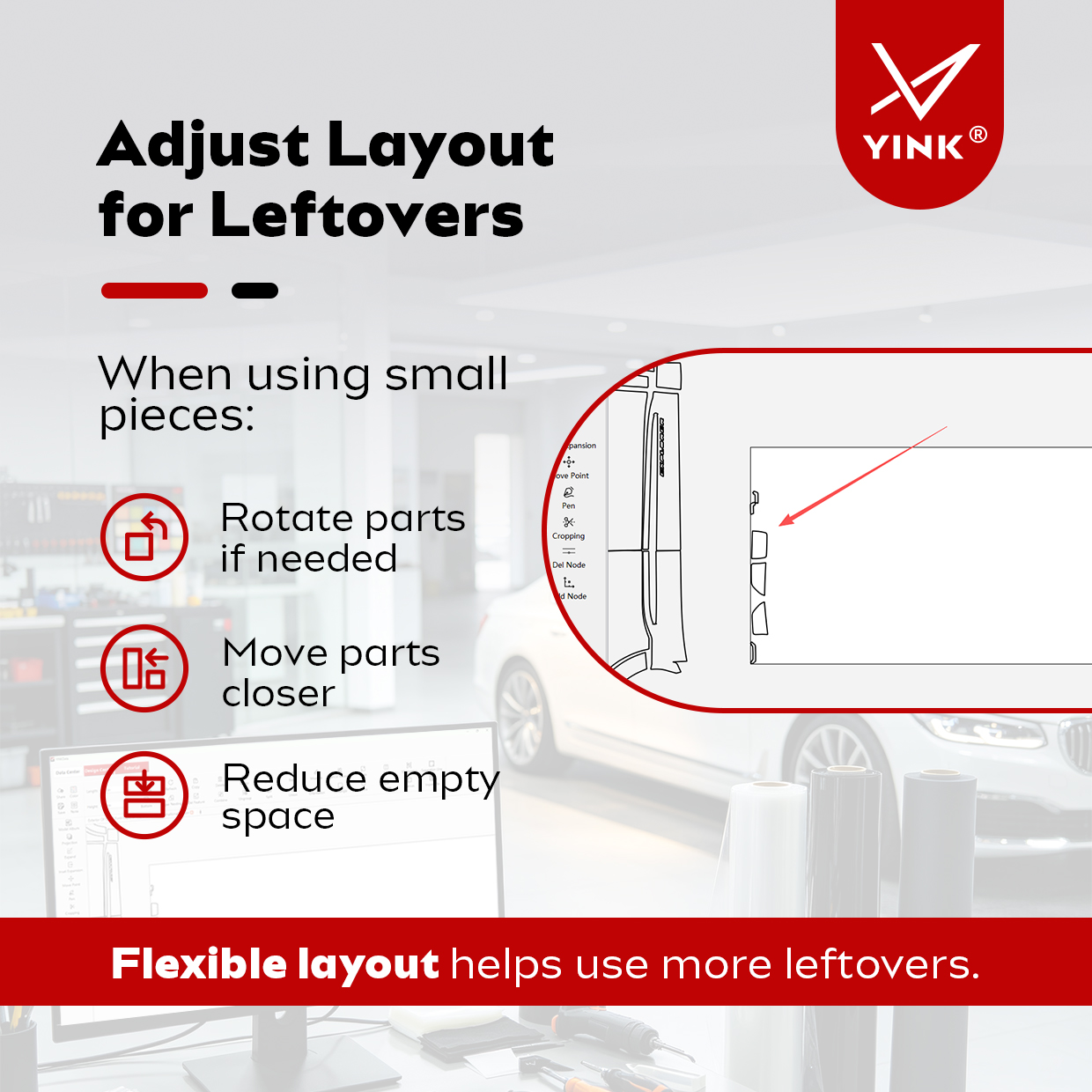
Choose the smaller patterns needed for the job and place them on the canvas. Check their positions against the available film dimensions.
04 Adjust the layout with Super Nesting
If there is excessive empty space between the patterns, select the patterns and left-click “Super Nesting” to rearrange them.
Review the resulting layout against the usable width and length of the leftover piece. A compact arrangement still needs to fit the actual material.
05 Confirm the layout before cutting
Before starting the cut, confirm that all selected patterns fit within the usable film area. If they do not fit, choose a larger piece of material.
How Should You Organize Leftover Film?
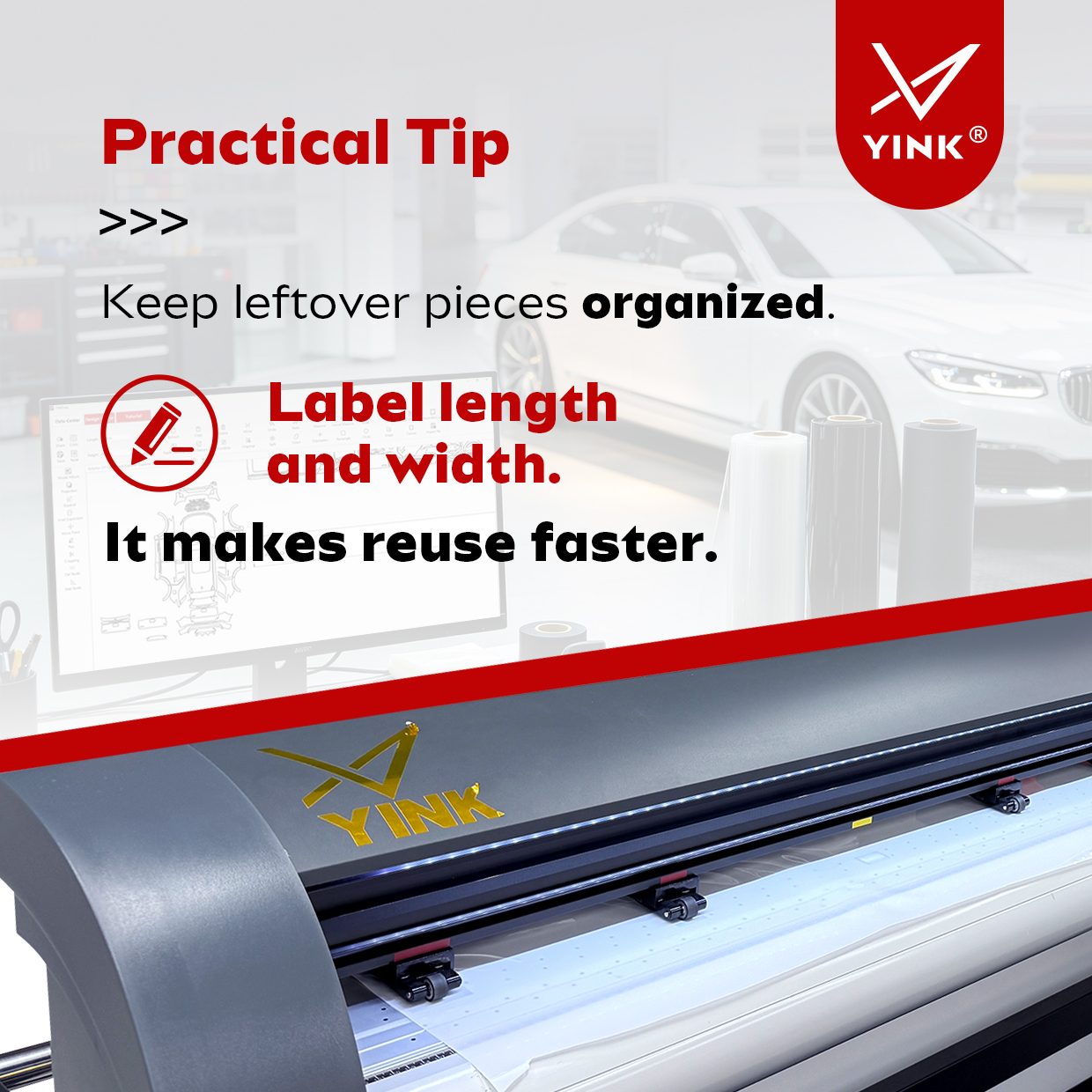
Label leftover pieces with their width and length and keep them organized so they are easy to check before the next job.
When a small pattern is needed, review the available pieces before opening a new roll. Clear size labels make it easier to identify a suitable piece without measuring every leftover again.
Make Checking Leftovers Part of Your Cutting Routine
Not every leftover piece can be reused, but some can still accommodate useful small patterns.
A practical routine is to measure the remaining film, check the pattern dimensions, adjust the layout, and confirm the fit before cutting. Combined with simple size labels, this helps your shop make better use of the material already available.
For guidance on arranging patterns in YINK, contact our team.
Post time: Nov-09-2026


