
-
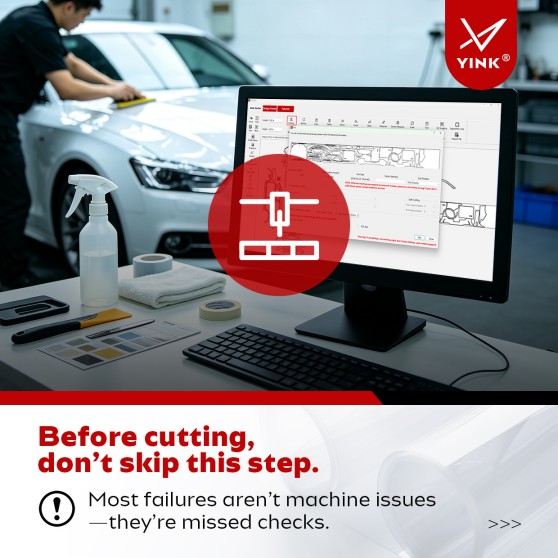
Before Cutting PPF in YINK Design Center, Check These 5 Things—YINK FAQ Series — Episode 24
Once your vehicle patterns are arranged in YINK Design Center, it can be tempting to send the job to the cutting machine immediately. But before cutting, one final check is worth doing. Many cutting problems do not begin with the machine itself. They can start earlier in...Read more -
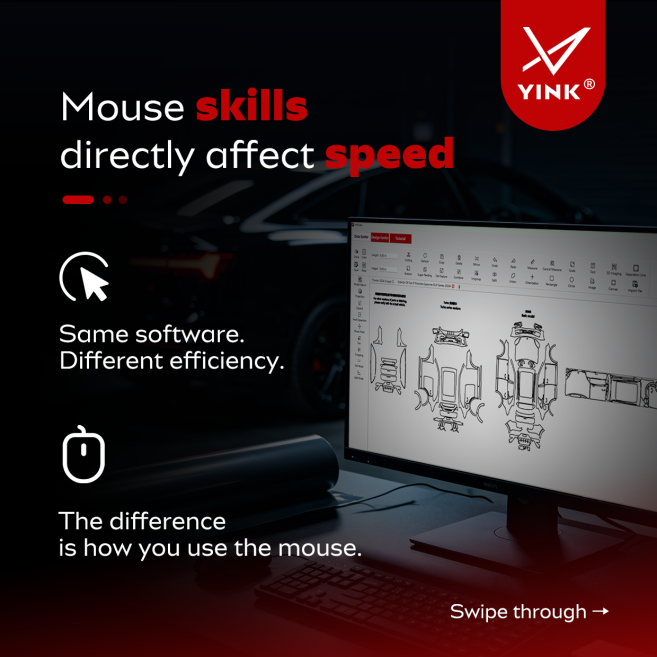
Use Your Mouse Better in YINK Design Center: 4 Simple Tips——YINK FAQ Series — Episode 23
When working in YINK Design Center, efficiency is not only about knowing which tools to use. Basic mouse habits can also make a noticeable difference in how smoothly you work. Two users can work with the same vehicle data and the same software, but one may finish arrangi...Read more -
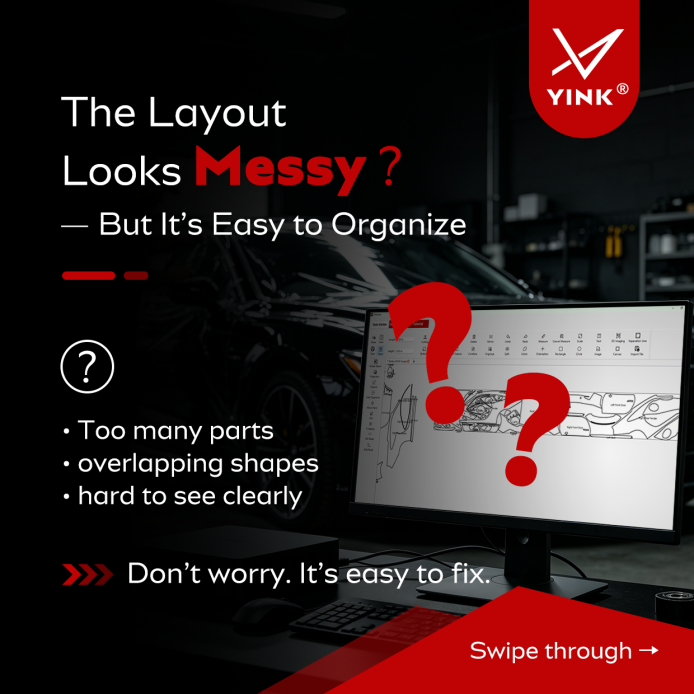
How to Organize a Messy Layout in YINK Design Center—YINK FAQ Series — Episode 22
When you open a complete vehicle template in YINK Design Center, the screen may look a little overwhelming at first. There may be many vehicle parts, patterns may appear scattered or overlap, and the overall structure may be difficult to understand at a glance. For a new...Read more -
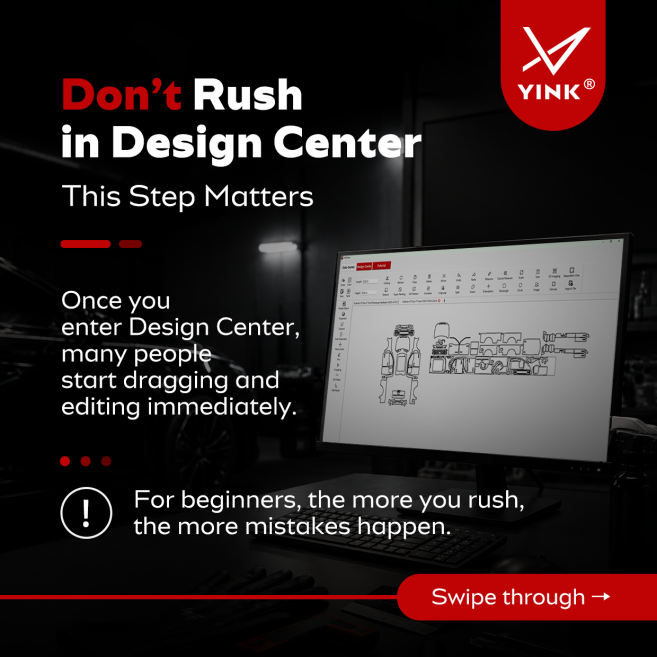
Don’t Rush in YINK Design Center: Check These 4 Things First—YINK FAQ Series — Episode 21
When you enter YINK Design Center, it can be tempting to start working immediately. You may want to move patterns, resize parts, rearrange the layout, or make other adjustments as soon as the vehicle data appears on the screen. For beginners, however, starting too quickl...Read more -
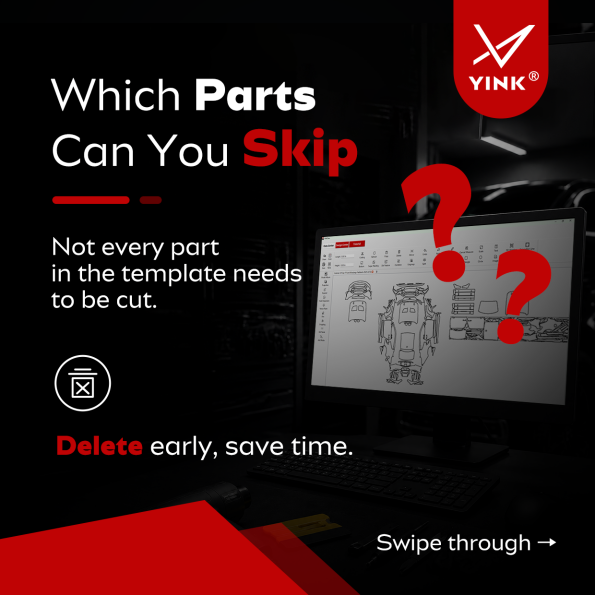
Which Parts Can You Skip in YINK Design Center?_—YINK FAQ Series — Episode 20
When you open a complete vehicle template in YINK Design Center, you may see many different patterns on the screen. Hood, bumper, doors, roof, lights, mirrors, and other exterior parts may all be included. For a new user, this can easily create one misunderstanding: If t...Read more -
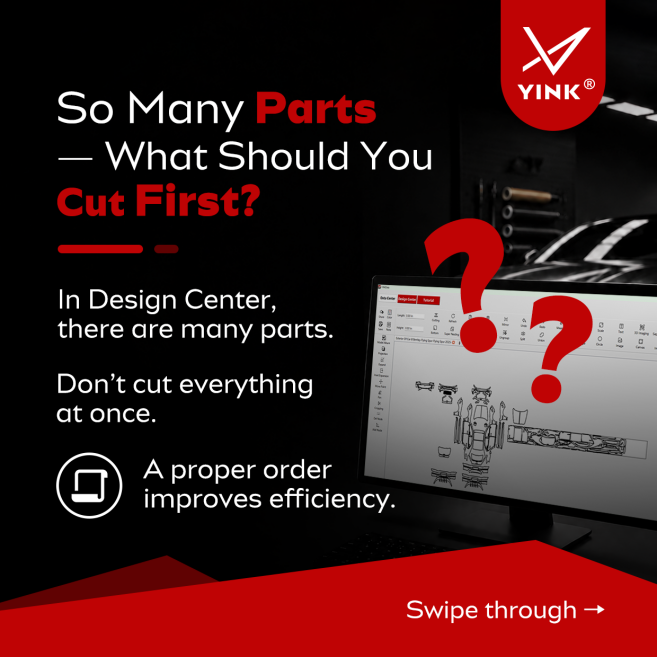
So Many Parts — What Should You Cut First in YINK Design Center?_—YINK FAQ Series — Episode 19
When you open a complete vehicle template in YINK Design Center, you may see many different parts on the screen. Hood, roof, doors, fenders, mirrors, door handles, small trims — everything is there. For a new user, the first question is often: Should I select everything ...Read more -
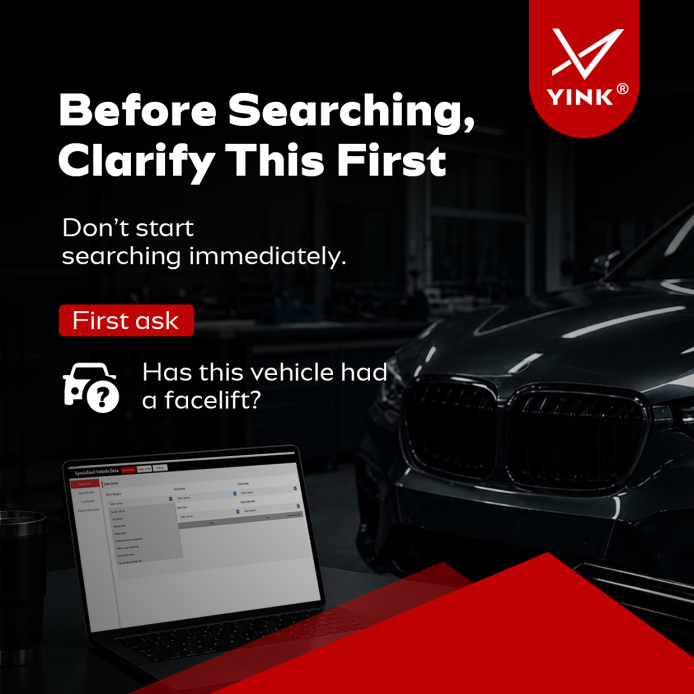
Before Searching, Clarify This First: Has This Vehicle Had a Facelift?_—YINK FAQ Series — Episode 18
Before searching for a vehicle in YINK, many users usually start by entering the brand, model, and year. However, there is one important question that should be answered first: Has this vehicle had a facelift? This simple check can determine whether you should select one...Read more -
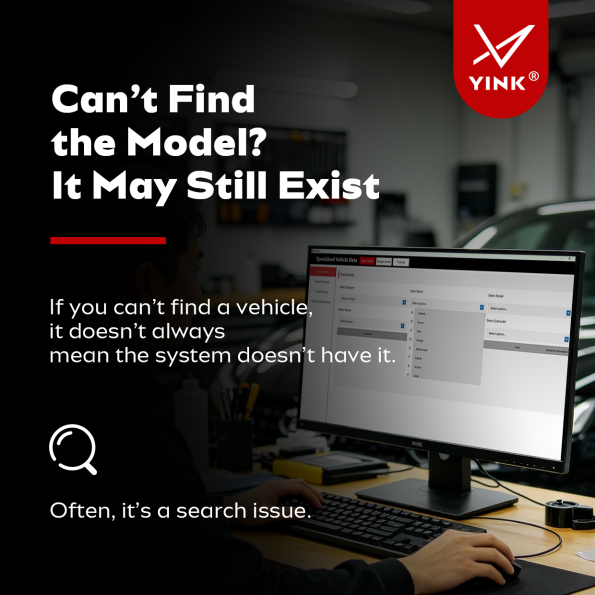
Can’t Find the Model? It Doesn’t Mean It’s Not There–YINK FAQ Series — Episode 18
Many YINK users have experienced this situation: "I searched for the vehicle, but nothing appeared." The first assumption is often: "The system does not have this model." However, that is not always true. In many cases, the vehicle data already exists, but the search con...Read more -

Same Model, Different Versions — Do You Need Different Templates?’–YINK FAQ Series — Episode 17
One of the most common questions after finding the correct vehicle and model year is: "Why are there multiple versions of the same vehicle?" Standard. Sport. Luxury. Should each version use a different template? Many users assume the answer is yes. In reality, that is no...Read more -

How to Choose the Correct Model Year? 90% of Users Get It Wrong——YINK FAQ Series — Episode 16
Many new YINK users believe that choosing the correct vehicle year is simple. They assume they only need to select the vehicle's registration year. In reality, this is one of the most common mistakes. The registration year, purchase year, and actual model year are often ...Read more -
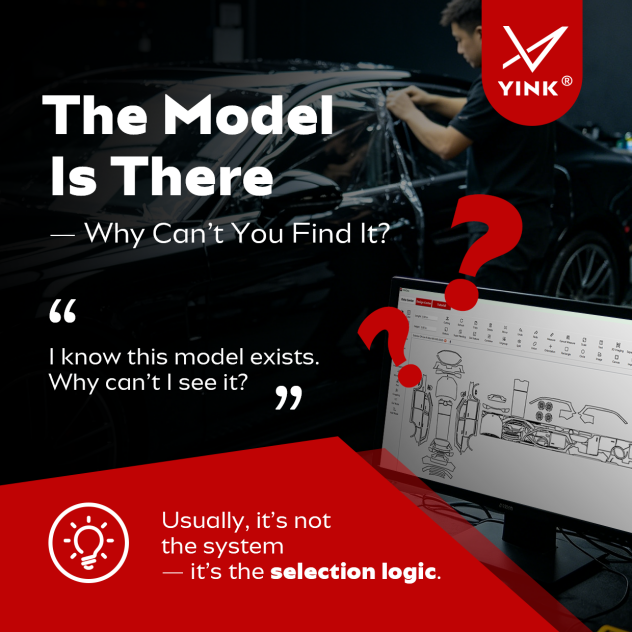
The Model Is There — Why Can’t You Find It?——YINK FAQ Series — Episode 15
"I know this vehicle is in the database. Why can't I find it?" At first glance, it may seem like the vehicle data is missing. However, in most cases, the problem is not the database itself. The issue usually comes from misunderstanding how vehicle data is organized insid...Read more -

Just Created a YINK Account? Don’t Skip These Steps——YINK FAQ Series — Episode 14
Many users create a YINK account and immediately start searching vehicle data, editing templates, and sending jobs to the plotter. At first, everything seems to work fine. The software opens normally. Vehicle templates are available. The cutter connects successfully. So why do some users later e...Read more


