
Just Created a YINK Account? Don’t Skip These Steps——YINK FAQ Series — Episode 14
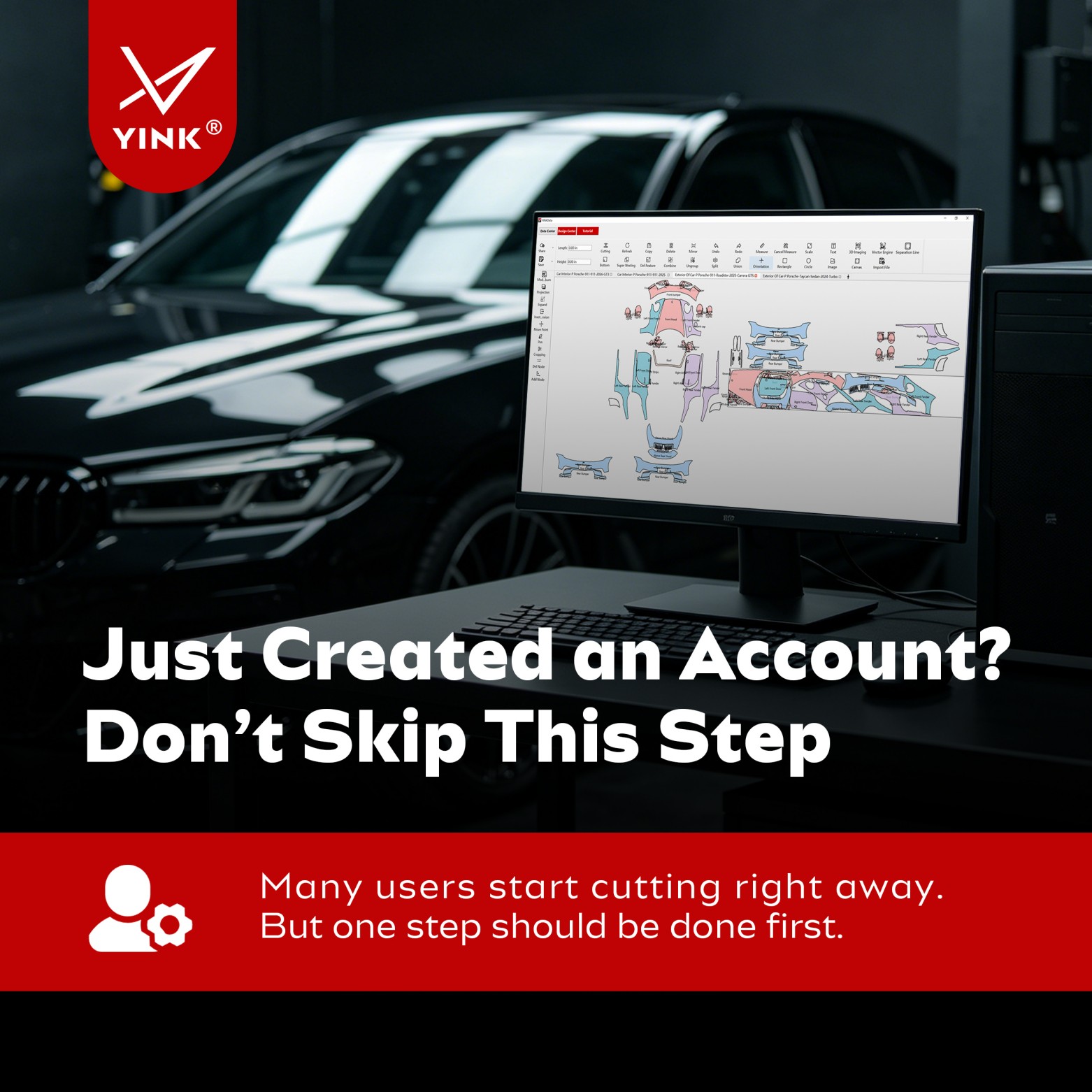
Many users create a YINK account and immediately start searching vehicle data, editing templates, and sending jobs to the plotter.
At first, everything seems to work fine.
The software opens normally. Vehicle templates are available. The cutter connects successfully.
So why do some users later encounter layout errors, wasted material, account issues, or workflow interruptions?
In many cases, the problem is not the software itself. It is the setup process that was skipped at the very beginning.
Before starting your first real project, there are a few important steps worth completing. Spending ten minutes now can save hours of troubleshooting and rework later.
Why New Accounts Often Run Into Problems Later
When users first register an account, their focus is usually on getting work done as quickly as possible.
That is understandable.
After all, the goal is to start designing and cutting immediately.
However, many setup-related issues do not appear until real production begins.
A unit setting may be incorrect.
A password may still be shared among multiple employees.
A cutter connection may not have been fully tested.
Everything appears normal until the moment a customer vehicle is ready for installation.
At that point, even a small configuration mistake can create delays, material waste, and unnecessary frustration.
The good news is that most of these issues are completely preventable.
Step 1: Secure Your Account Before Anything Else
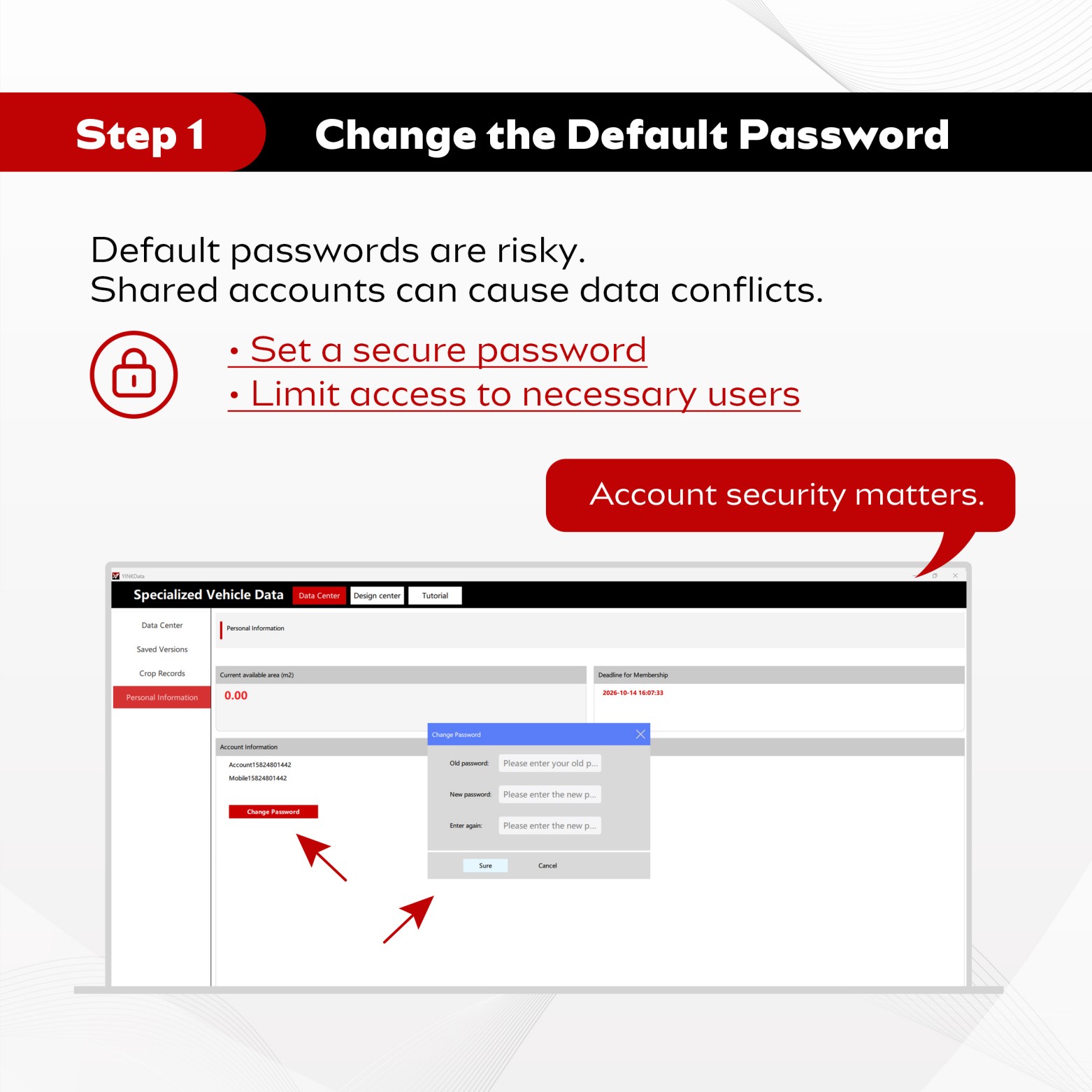
One of the most commonly overlooked steps after account creation is changing the default password.
Many users keep the original password because it is convenient.
However, this can create unnecessary security risks, especially when multiple team members have access to the same account.
Shared passwords often lead to:
→ Unauthorized changes
→ Data confusion
→ Account management difficulties
→ Permission-related problems
For this reason, it is highly recommended to change the password immediately after the first login.
A few simple best practices can help:
→ Create a unique password
→ Share access only with authorized staff
→ Avoid using the same credentials across multiple departments
Account security may seem like an administrative task, but it directly affects the stability of your daily workflow.
Step 2: Confirm Your Unit Settings Before Working With Templates
Another common mistake among new users is overlooking unit settings.
The difference between millimeters and inches may seem small, but it can have a major impact on cutting accuracy.
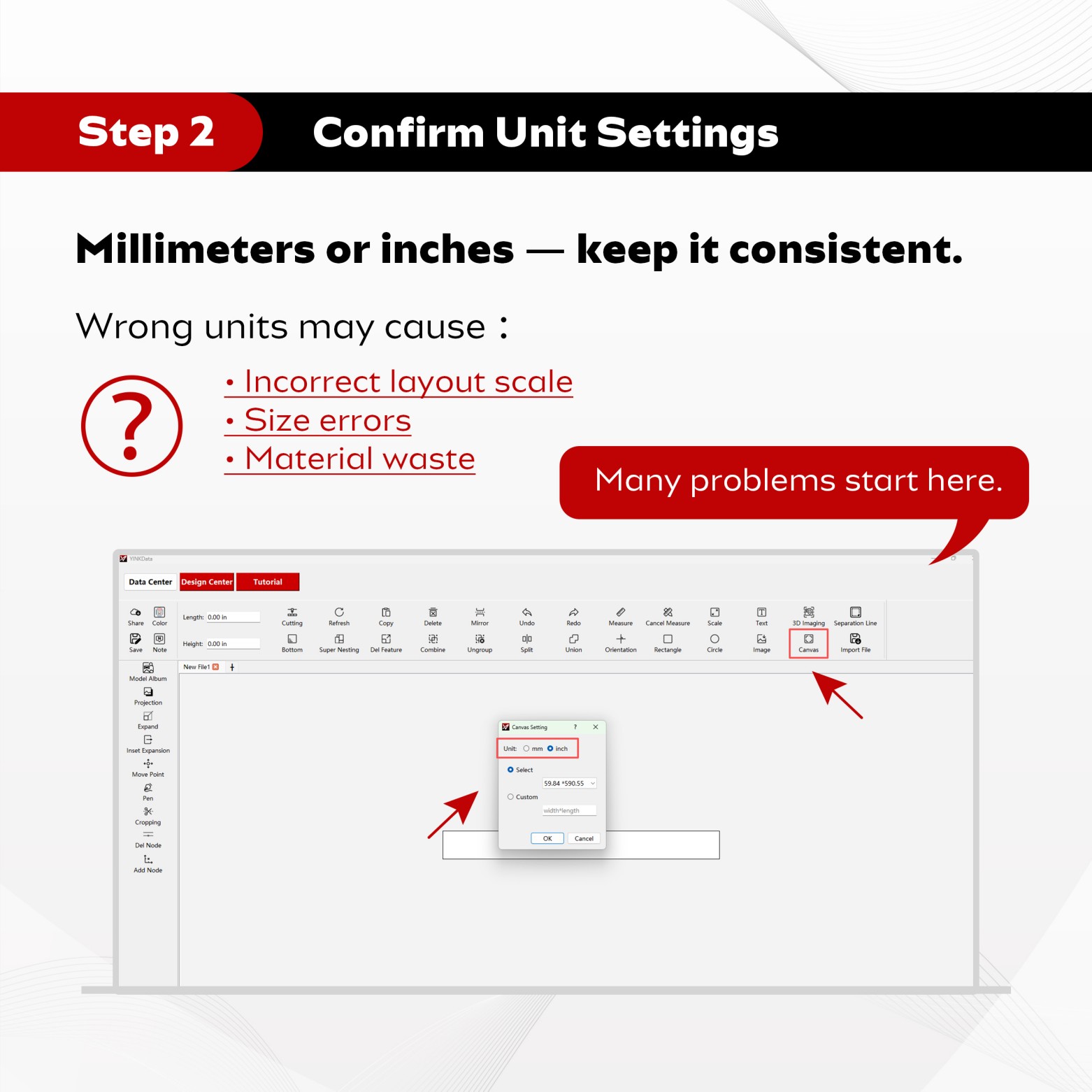
Before starting any design or layout work, make sure your software is configured with the correct measurement unit.
Incorrect unit settings can cause:
→ Incorrect layout proportions
→ Size mismatches
→ Cutting errors
→ Increased material waste
The problem is that these issues often remain hidden until the cutting process begins.
By that time, valuable film may already have been wasted.
That is why confirming unit settings should be one of the first tasks after account registration.
A few seconds spent checking this setting can prevent costly mistakes later.
Step 3: Test the Complete Workflow Before Taking Customer Orders
Many users assume that if the software opens correctly, everything is ready to go.
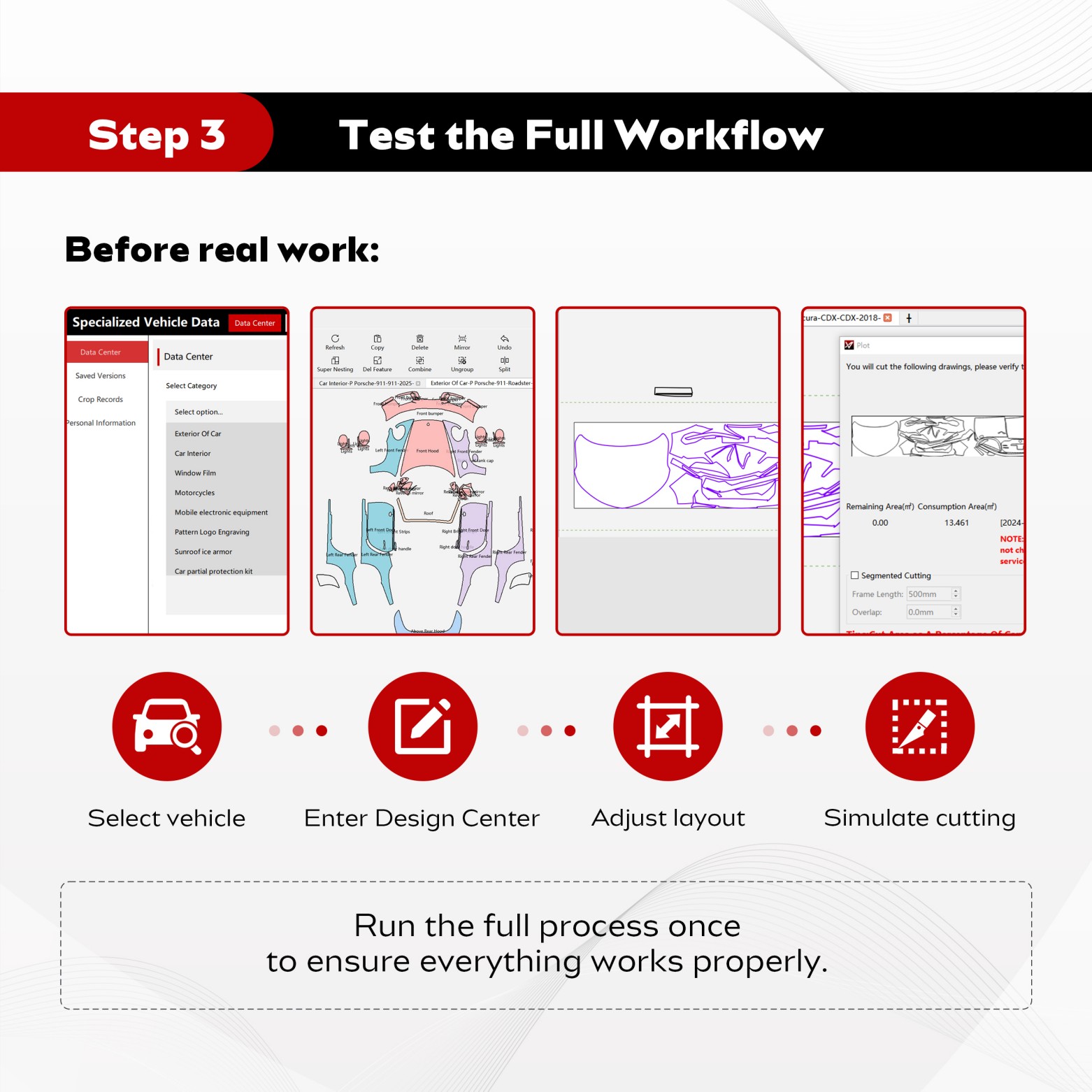
In reality, it is always a good idea to test the entire workflow before starting actual production.
This simple test helps confirm that the software, account, and cutting equipment are working together correctly.
A recommended workflow test looks like this:
Vehicle Selection
↓
Enter Design Center
↓
Adjust Layout
↓
Preview Cutting
↓
Send Output to Plotter
Running through this process once allows you to verify:
→ Vehicle data selection
→ Design Center functionality
→ Layout accuracy
→ Plotter communication
→ Output workflow stability
If a problem exists, it is much better to discover it during testing rather than during a customer installation.
Many experienced shops perform this type of verification whenever they set up a new account, computer, or cutting machine.
A 10-Minute Setup Can Save Hours of Rework
New users often focus on learning advanced features as quickly as possible.
But in practice, the most important work happens before the first cutting job is ever sent.
A secure account helps protect data.
Correct unit settings improve accuracy.
A tested workflow reduces the risk of unexpected problems.
Together, these simple checks create a smoother and more reliable working environment.
Instead of spending time fixing avoidable mistakes later, you can focus on serving customers and improving productivity from day one.
Conclusion
Creating a YINK account is only the first step.
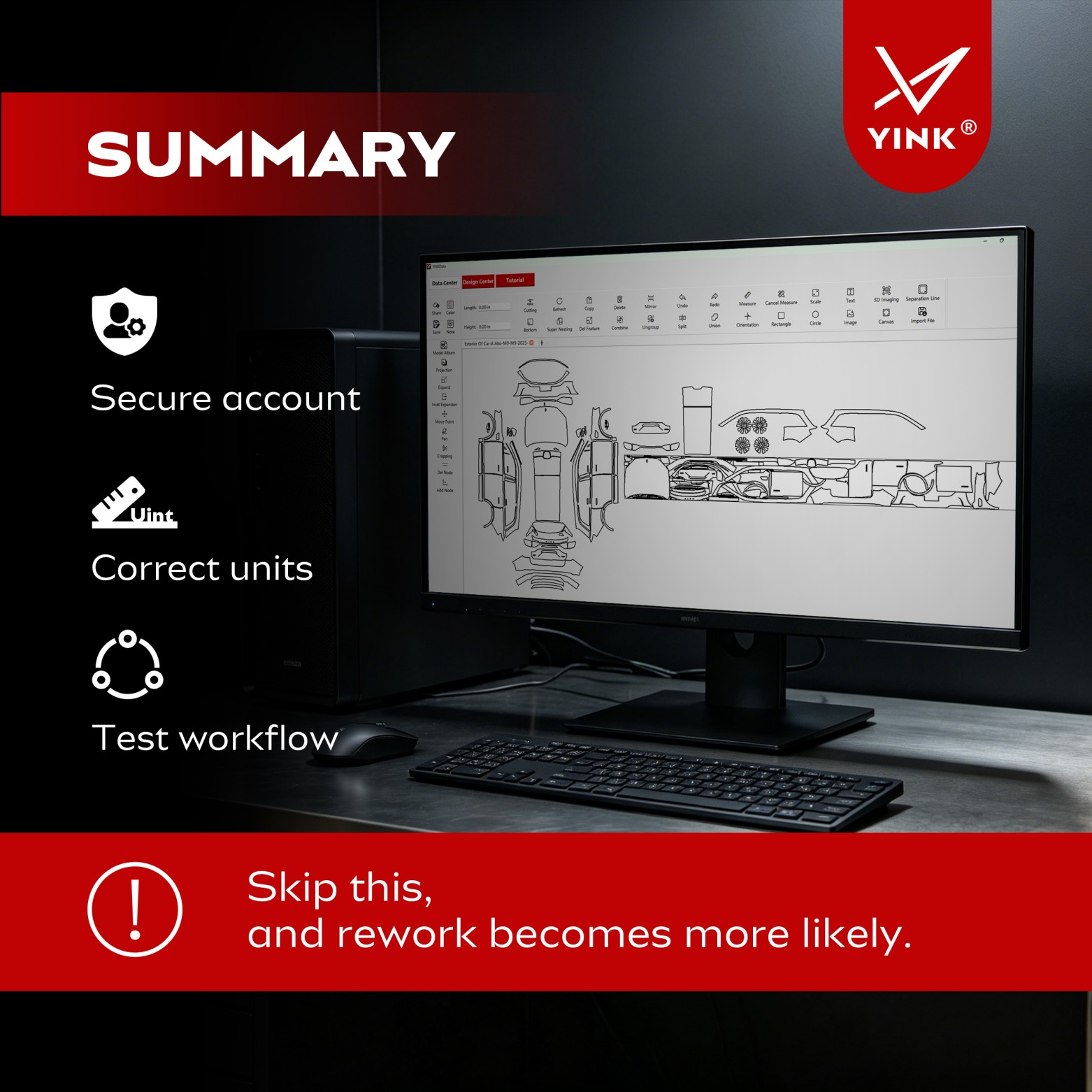
Before starting your first real project, make sure you complete the following checklist:
→ Change the default password
→ Confirm your measurement units
→ Test the complete workflow
These tasks take only a few minutes, but they can prevent many of the problems that new users commonly face.
A properly configured account creates a stronger foundation for every design, layout, and cutting job that follows.
FAQ
Why should I change the default password after creating my account?
Default passwords are less secure and can create management problems when multiple users share the same account. Creating a unique password helps improve security and accountability.
What happens if my unit settings are incorrect?
Incorrect units can lead to layout scaling issues, size errors, cutting inaccuracies, and unnecessary material waste.
How do I know if my setup is working correctly?
The best method is to run a complete workflow test, including vehicle selection, layout adjustment, cutting preview, and plotter output. This confirms that both the software and hardware are functioning properly.
Post time: Jun-15-2026


