
How to Evaluate PPF Cutting Software During a Free Trial
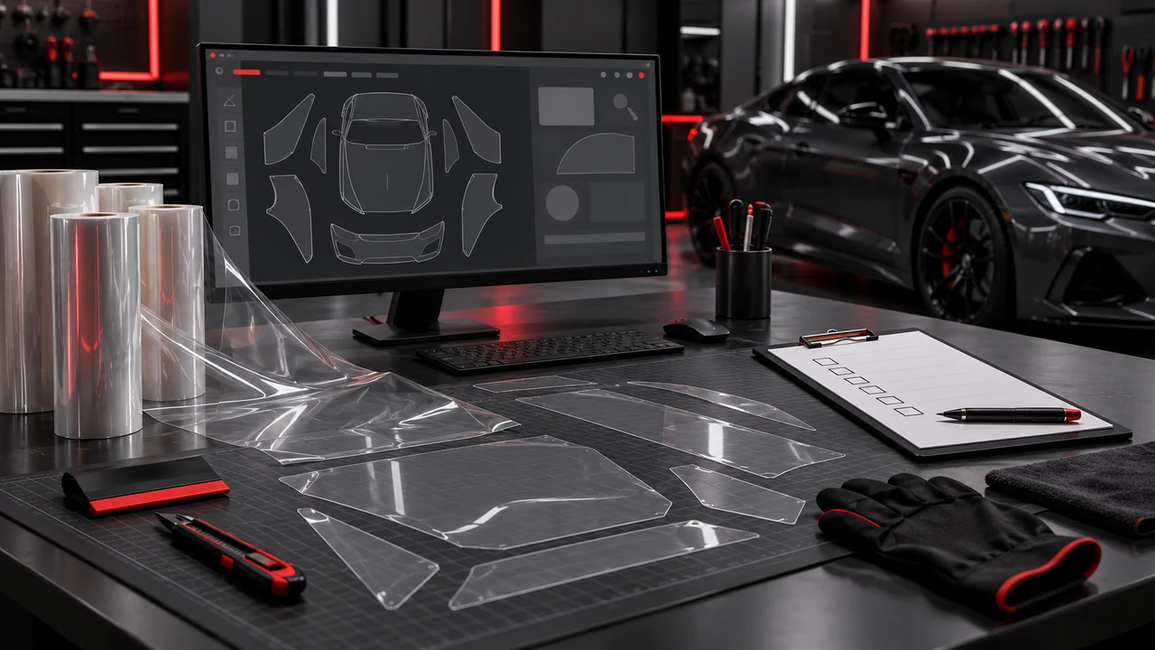
Choosing PPF cutting software is easier when you can test it against the work your shop actually handles. A free trial gives you that opportunity—but only if you use it to evaluate more than the interface.
Opening several vehicle patterns may confirm that you can navigate the database. Watching a nesting demonstration may show how an automatic layout works. Neither tells you whether the complete process will suit your equipment, installers, and customer orders.
A useful trial follows a real job from vehicle identification to installation feedback. It helps you answer practical questions: Can you find the right pattern? Can your team make the necessary changes? Does the software communicate with your plotter? Are the results suitable for the vehicle?
The following evaluation process will help you turn a PPF cutting software trial into a more informed purchasing decision.
Define What Your Shop Needs Before Starting the Trial
Choose Representative Vehicles and Coverage Packages
Begin with your normal workload. Software is useful when it supports the vehicles and coverage packages your customers regularly request.
Prepare a small selection of representative jobs. Include a familiar vehicle, a part that often needs adjustment, and a less familiar model or configuration. If your shop mainly installs full-front packages, use that package as a primary test instead of evaluating unrelated accessories.
Record the exact vehicle details and intended coverage before searching. This gives each test a clear purpose and helps you distinguish a missing pattern from incomplete vehicle information.
Avoid judging the entire system from one successful pattern or one unsuccessful search. A small but varied selection provides a more balanced view of its suitability.
Record Your Current Workflow as a Baseline
Before testing another system, document how your shop currently prepares a comparable job.
Record the time spent finding the pattern, making necessary edits, arranging the parts, and preparing the cutting task. Note the film width, layout length, and any help required from another employee.
Keep active working time separate from unrelated interruptions. A customer call or material delivery should not influence your assessment of software performance.
Your baseline does not need to be complicated. A short, consistent record gives you something concrete to compare, making it easier to identify meaningful improvements and unfamiliar steps that simply require training.
Confirm Trial Access and Plotter Compatibility
Check What the Trial Includes
Confirm the trial conditions before investing time or committing film.
Ask about the access period, available vehicle data, editing permissions, saving options, nesting functions, and actual cutting access. Establish whether restrictions apply to the account, computer, plotter, or number of tasks.
Do not assume that every function shown in a demonstration is included in the trial or the subscription you intend to purchase.
Also ask what happens to prepared work when the trial ends. Can you reopen saved jobs after subscribing? Will the selected plan include the tools you tested?
Mark restricted functions as “not evaluated.” An unavailable feature has not passed or failed your assessment; it remains an unanswered purchasing question.
Complete a Small Test Cut First
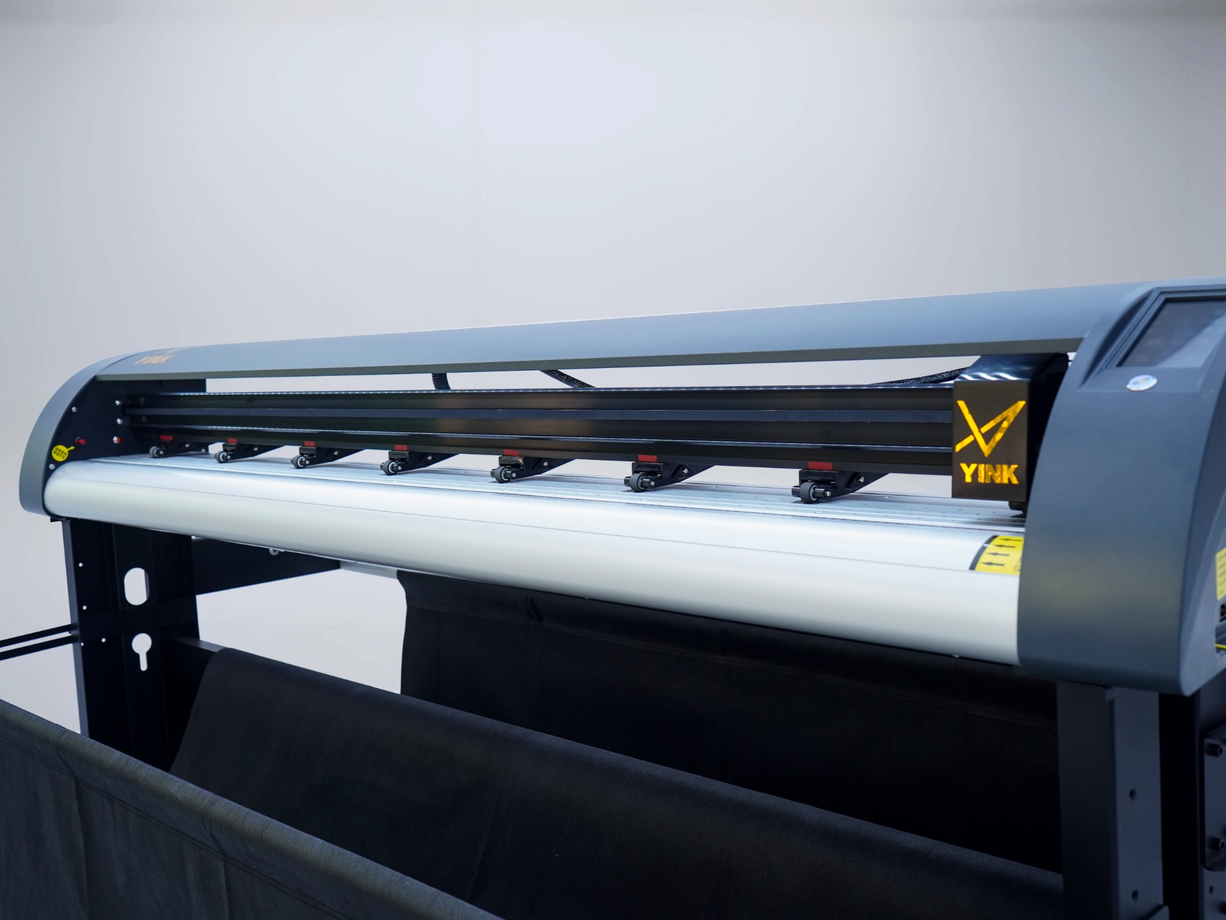
Give the supplier your plotter’s exact brand, model, connection method, and relevant computer information. Ask for confirmation that this configuration is supported.
Follow the recommended setup process, then complete a small test cut before sending a larger job. Check that the task reaches the correct device, the output scale is correct, and the film cuts appropriately.
Treat connection, scale, blade exposure, pressure, and feeding as separate checks. A rough edge or incomplete cut does not automatically mean the vehicle pattern is inaccurate.
For an explanation of the preparation and output process, see how YINK software works with plotters.
Test Pattern Coverage and Real-World Fit
Verify the Exact Vehicle Configuration
Finding the model name is only the first step.
Confirm the model year, facelift status, market specification, body style, and relevant exterior options. Compare the selected template with the actual vehicle, especially around bumpers, lights, trim, and other configuration-dependent features.
When several versions appear, use available reference information or ask support which option matches the vehicle. Avoid extensively modifying a template before checking that you selected the correct version.
Record whether your team found the appropriate data independently and what additional information was needed. This reveals both the database’s relevance to your customers and how easily your team can navigate it.
Evaluate Fit Through Installation
A template that looks suitable on screen still needs practical verification.
Where trial permissions allow, test representative parts using your normal installation process. Review coverage, edge allowances, openings, and areas requiring modification.
Record unusual stretching, trimming, or repositioning. Investigate possible causes before deciding that the software is responsible. Vehicle selection, editing, machine calibration, material behavior, and installation technique can all affect the result.
Digital PPF patterns are prepared for installation on shaped panels, so their value cannot be judged only by how closely a flat outline resembles a panel photograph. Read more about what pattern accuracy means in PPF installation.
Use the trial to identify repeatable results and specific questions, rather than treating one installation as proof of overall database quality.

Evaluate Editing Tools Through Everyday Tasks
Make the Adjustments Your Shop Actually Uses
Choose modifications that your installers regularly need.
Depending on the job, these may include adjusting an edge allowance, changing an opening, separating a section, or removing parts outside the customer’s coverage package.
Observe how clearly the software identifies the selected object and displays dimensions. Check whether changes are predictable, whether mistakes can be reversed, and whether the original template remains distinguishable from the modified job.
When evaluating YINK, use the relevant tools available under your trial permissions to complete these tasks. Confirm any uncertain function or workflow with support.
A long feature list is less useful than the ability to complete routine changes confidently and check the result before cutting.
Save and Reopen a Prepared Job
If saving is available, prepare a task, save it with an identifiable name, close it, and reopen it.
Confirm that the expected edits and layout remain intact. Check whether another operator could understand what the file contains without relying on the original user’s memory.
A useful naming approach may include vehicle configuration, coverage package, and revision date. Clear names reduce the chance of selecting an outdated modification for a later order.
If multiple employees need access, ask how saved work is handled under the proposed account arrangement. Local saving, cloud storage, and team sharing are different capabilities and should be confirmed separately.
Compare Nesting Under the Same Conditions
Keep the Inputs Consistent
To evaluate nesting fairly, use equivalent inputs.
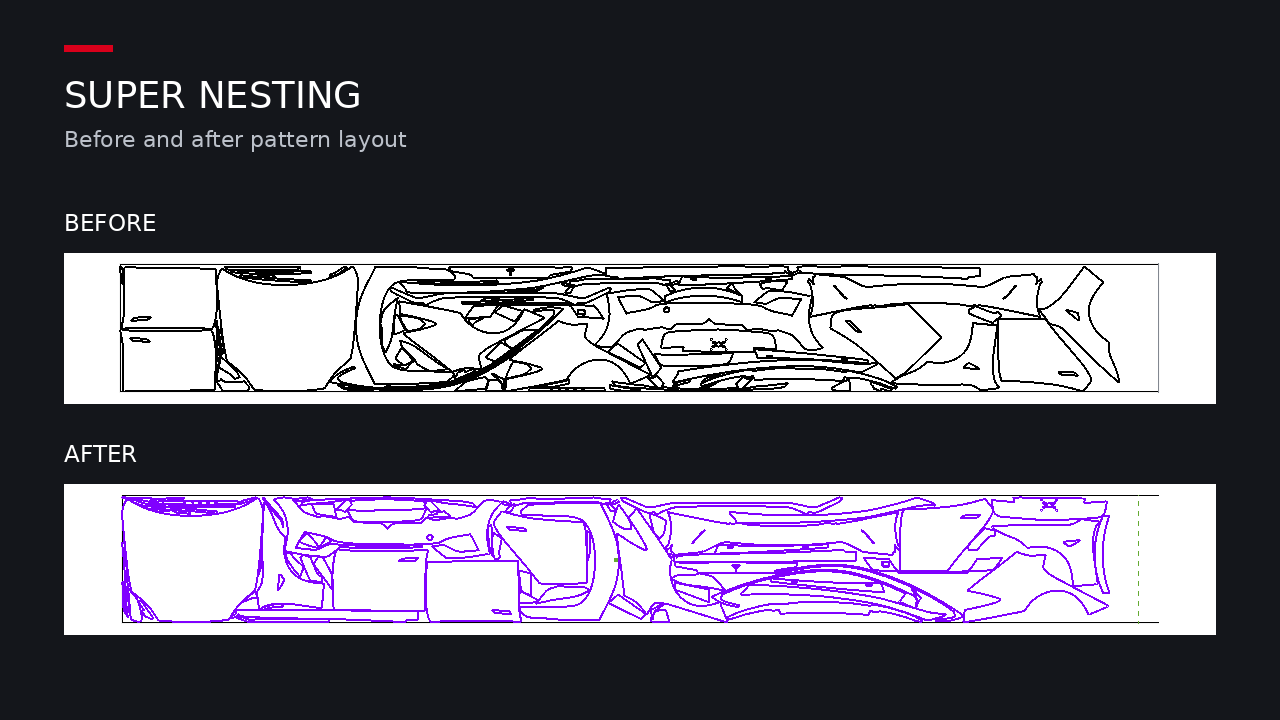
Keep the selected parts, dimensions, edge allowances, usable film width, spacing, and applicable orientation rules consistent. Confirm that neither layout omits a required component.
Document the settings used when comparing automatic nesting with your existing arrangement. In a YINK trial, this is an appropriate opportunity to test Super Nesting with a representative order.
Consider material requirements as well as geometric fit. Some materials or finishes may have manufacturer-specific direction requirements, so do not assume every part can be freely rotated.
A shorter arrangement is valuable only if it remains complete, practical to cut, and appropriate for installation.
Record Film Length and Preparation Time
Measure the layout length and the time needed to obtain an acceptable arrangement.
Include manual corrections made after automatic nesting. Where relevant, also record loading allowances, test cuts, damaged sections, or other factors that affect actual consumption.
When film width is unchanged, layout length provides a useful comparison. When widths differ, compare material area and practical usability as well.
Keep projected layout savings separate from film consumed during production. One favorable result should not become a universal saving percentage.
Repeat the exercise across your selected jobs. This helps you understand which orders benefit most and whether any recurring manual adjustments are required.
Check Team Usability and Technical Support
Let the Daily Operator Complete a Job
A demonstration shows what a trained user can achieve. Your evaluation should also show what your employee can complete after appropriate introductory guidance.
Ask the person who normally prepares film to take a familiar job from vehicle search to output. Record where they hesitate, request assistance, or repeat steps.
Allow a reasonable learning period. Comparing a first attempt in unfamiliar software with years of experience in another system can produce an unfair result.
Look for a workflow that becomes understandable and repeatable. Clear selection feedback, readable measurements, and recoverable mistakes can be just as important as reducing the number of clicks.
Submit a Real Support Question
Use an actual issue from the trial to assess technical support.
Provide relevant information, including the software version, plotter model, vehicle details, screenshots, settings, and a clear description of what occurred.
Evaluate whether the response addresses the issue and helps your team continue. Note the communication channel, response time within the relevant working hours, and whether follow-up was needed.
Before subscribing, ask what support the proposed plan includes. Confirm language availability, service hours, and escalation arrangements where these matter to your business.
Understanding how problems are handled is part of evaluating whether a system can support your shop’s daily work.
Review the Results Before Choosing a Plan
Use a Simple Trial Evaluation Sheet
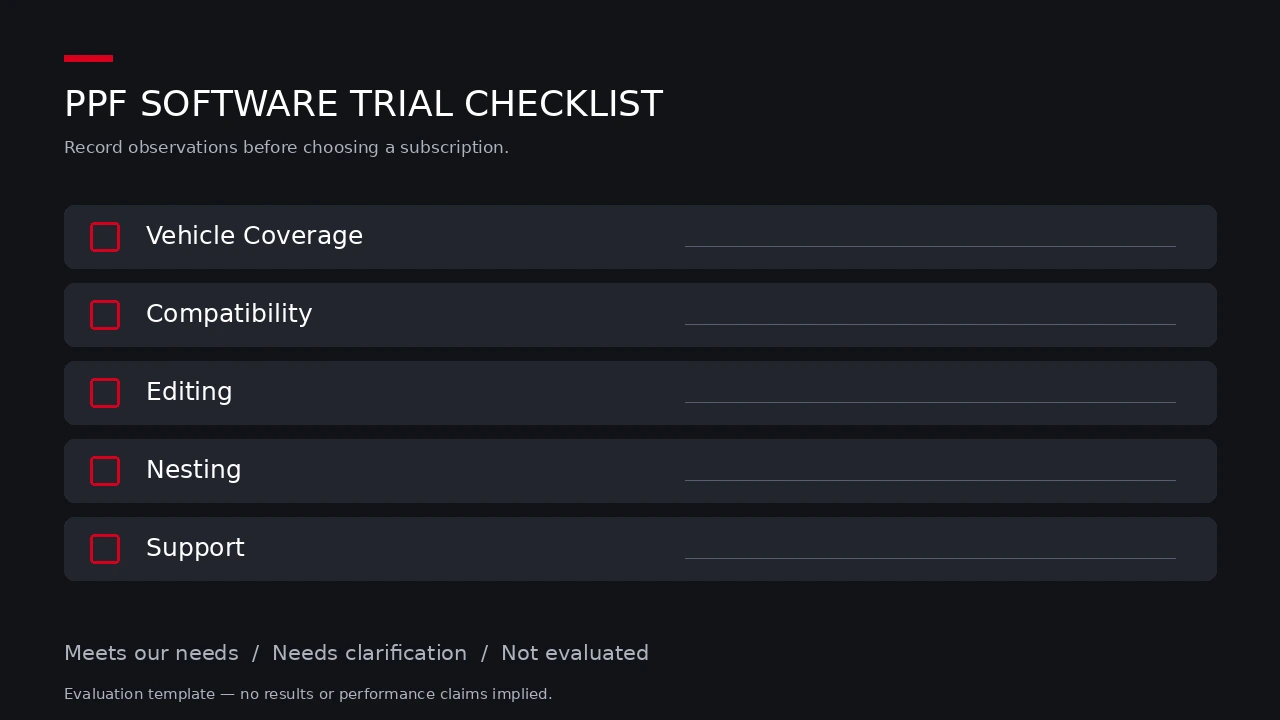
Bring your observations into one record instead of relying on the most memorable success or difficulty.
| Evaluation area | Practical test | What to record |
|---|---|---|
| Vehicle coverage | Search representative customer vehicles | Correct options found, missing information, assistance needed |
| Plotter compatibility | Connect and complete a small cut | Connection method, output scale, setup issues |
| Pattern fit | Install representative permitted parts | Coverage, adjustments, unresolved causes |
| Editing | Complete routine modifications | Clarity, required steps, ability to reverse changes |
| Saved work | Save and reopen a prepared task | Retained edits and ease of identification |
| Nesting | Compare equivalent layouts | Settings, length, preparation time, manual corrections |
| Team usability | Let the daily operator complete a job | Training required and recurring difficulties |
| Support | Submit an actual technical question | Relevance of guidance and progress toward resolution |
For each area, mark the outcome as “meets our needs,” “needs clarification,” or “not evaluated.”
These categories keep the decision connected to your requirements. They also prevent a missing test from being mistaken for a successful result.
Clarify Unresolved Questions Before Paying
Compare the proposed subscription with the tasks your team completed.
Confirm vehicle access, cutting permissions, account and device limits, update access, support scope, billing terms, and renewal conditions. Ask whether any demonstrated function requires another plan or additional payment.
Discuss significant unresolved problems with the supplier. If an essential capability could not be tested, request a demonstration or another appropriate form of verification before deciding.
Use your own job volume, labor costs, film costs, and observed results for financial comparisons. A reduction in preparation time does not automatically create additional sales; the benefit depends on how your shop uses the available capacity.
Frequently Asked Questions
What Should I Test First During a PPF Software Trial?
Start by confirming trial permissions and plotter compatibility. Complete a small test cut before evaluating representative vehicle searches, edits, layouts, and permitted installation tests.
Can I Test PPF Software with My Existing Plotter?
That depends on the exact software and machine configuration. Provide the supplier with the model and connection details, obtain confirmation, and verify the setup through a practical test.
How Can I Check Pattern Accuracy During a Trial?
Confirm the vehicle configuration, choose representative parts, and evaluate them through an appropriate installation test. Record adjustments and investigate whether difficulties come from selection, settings, material, or technique.
How Should I Compare Nesting Results Between Software Systems?
Use matching parts, dimensions, film width, spacing, and orientation rules. Compare complete layouts and preparation time, including manual corrections, rather than judging only the appearance of the arrangement.
What Should I Confirm Before Purchasing a Subscription?
Confirm the specific plan’s permissions, equipment requirements, account limits, support, billing, and renewal conditions. Resolve important technical questions and retain written clarification where it affects your purchasing decision.
Turn Your Trial into a Practical Buying Decision
A useful PPF cutting software trial should leave your shop with clear observations about everyday work.
Use representative jobs, maintain consistent comparison conditions, and involve the employees who will operate the system. Record successful tasks, restrictions, and unresolved questions.
The right choice is the system that supports your actual workload and provides acceptable answers to your most important requirements.
Considering YINK for your shop? Share your plotter model, commonly serviced vehicles, and coverage requirements with the YINK team to discuss trial access and prepare a relevant evaluation.
Post time: Oct-21-2026


