
-
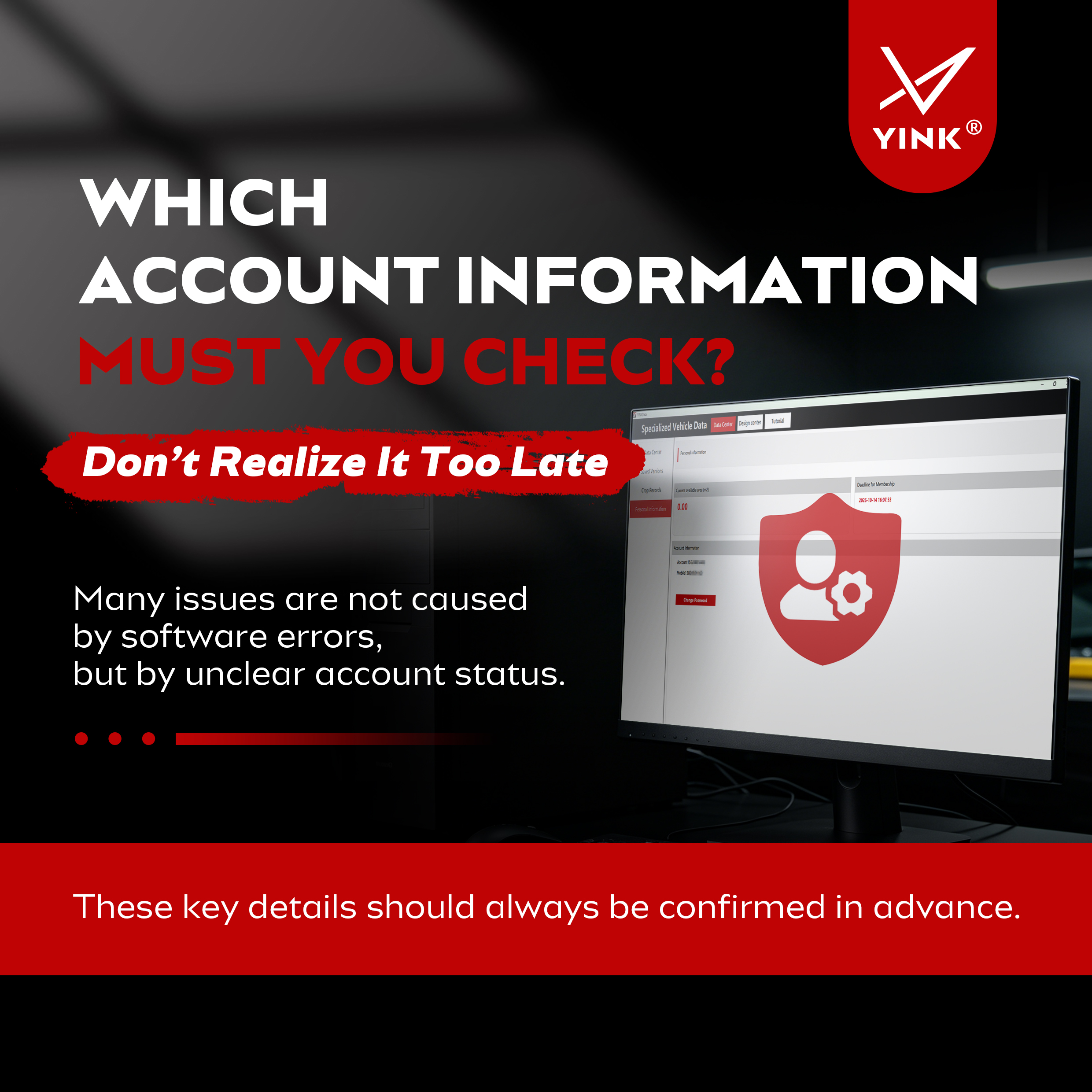
Which Account Information Should You Check? Don’t Wait Until It Causes Problem——YINK FAQ Series — Episode 13
Many users assume that if something goes wrong in YINK, it must be a software issue. In reality, a large number of problems are caused by account settings rather than the software itself. For example, you may find that a feature suddenly becomes unavailable, encounter permission-related login is...Read more -

Can’t Understand the Software Interface? Focus on These Key Areas——YINK FAQ Series — Episode 12
Quick Answer New users do not need to understand every button in the software at once. For daily PPF shop work, the key is to understand six main areas: Data Center Find the correct vehicle data. Design Center Edit and prepare the pattern. Tutorial Learn unclear functions through videos. ...Read more -
First Time Using YINK? Why Do So Many Beginners Struggle with Cutting?——YINK FAQ Series — Episode 11
When many people first start using YINK, they usually have the same feeling: The software looks powerful, the machine looks professional, but once they actually start cutting, something always feels a little off. For example: → The film keeps shifting off track → The cut...Read more -
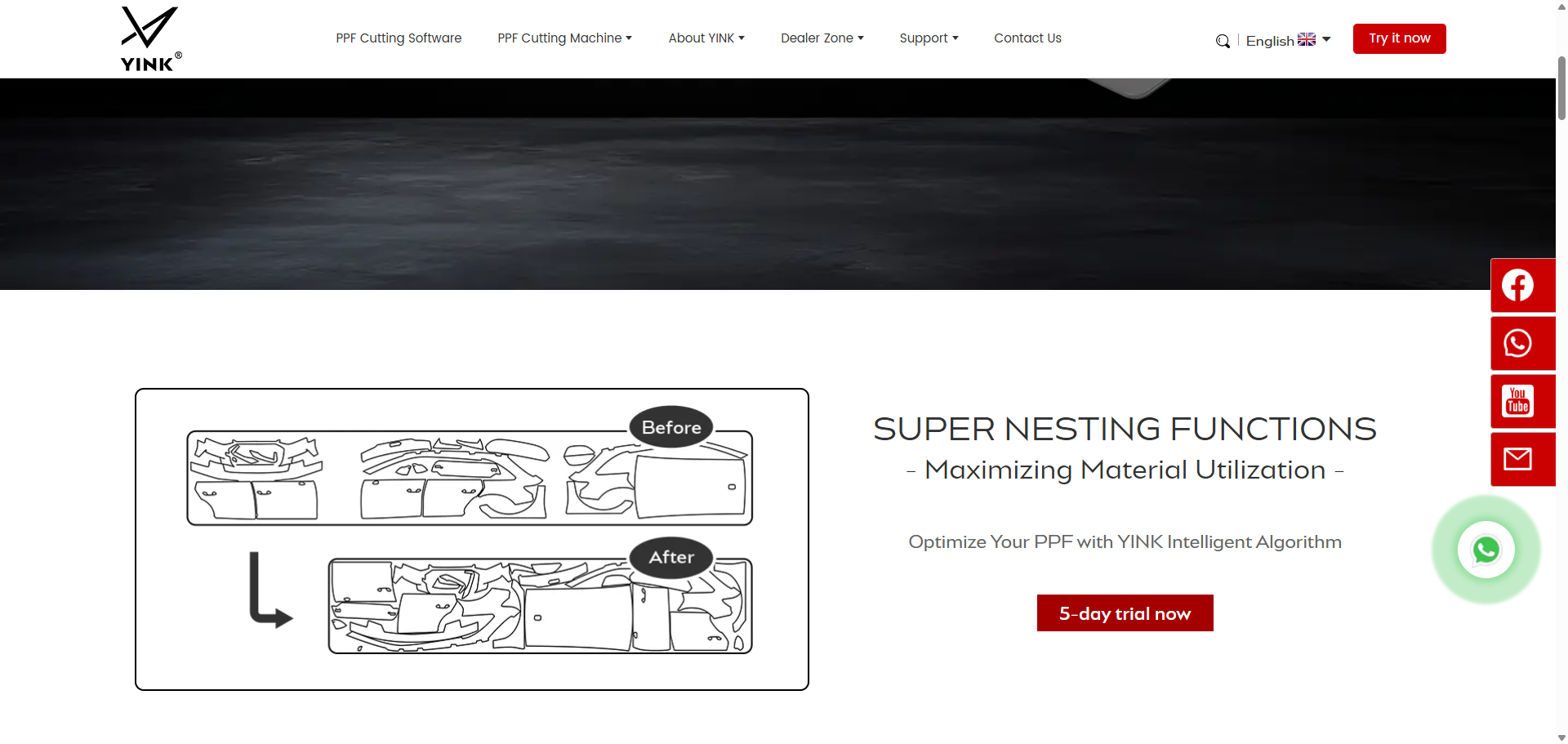
YINK FAQ Series — Episode 10—What makes YINK different from other PPF software?
Q1: What are the core differences between YINK and other PPF software? What are the key advantages of YINK? When choosing PPF cutting software, the factors that truly impact performance include: data accuracy, vehicle coverage, plotter compatibility, ease of use, and ong...Read more -
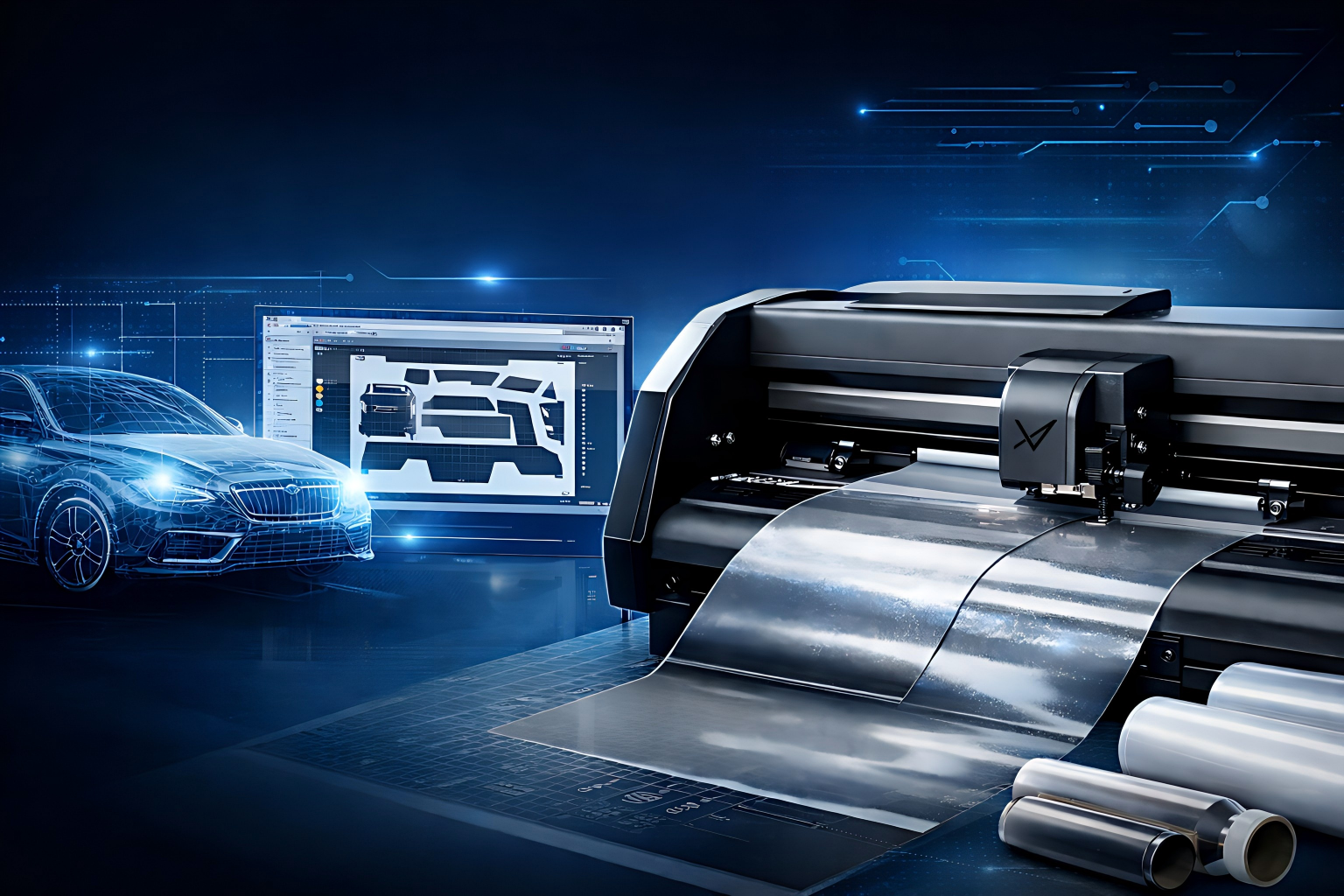
YINK FAQ Series — Episode 9
How does YINK work with plotters? Q1: How does YINK software connect and work with plotters? What is the connection between YINK PPF Software and plotters? Y...Read more -
YINK FAQ Series — Episode 8
What is YINK PPF Software? Q1: What is YINK PPF Software and what does it do? What is YINK PPF Software? YINK PPF Software is a professional solution designed for automotive film shops to create a...Read more -
How to Use 3D Imaging and Vector Engine in YINK Software(YINK FAQ Series — Episode 7)
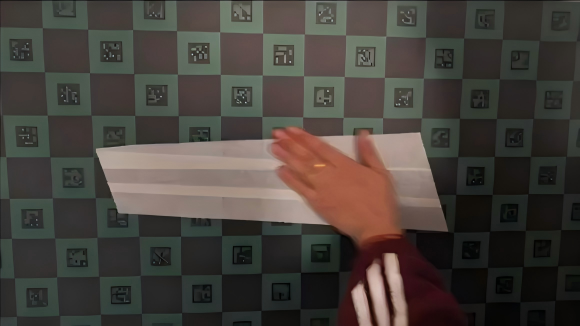
How to Use 3D Imaging & Vector Engine in YINK Software? Introduction In real production environments, not every cutting job comes from a pre-made vehicle database. Many PPF, window tint, and vinyl shops often need to create custom...Read more -
YINK FAQ Series | Episode 6
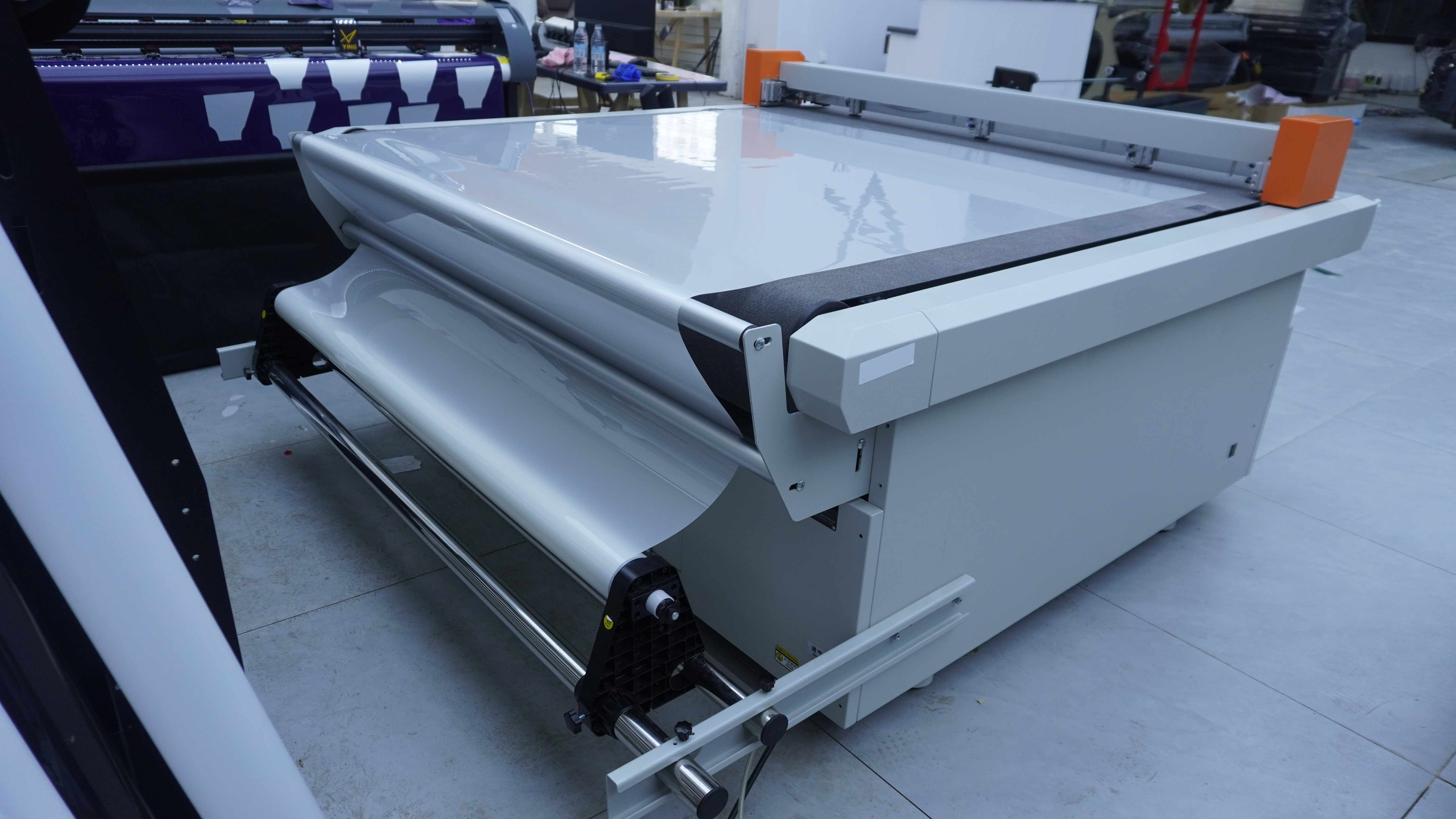
What Are the Differences Between a Vertical Plotter and a Flatbed Plotter When Cutting Film? In this FAQ, we will focus on two questions that many shops care about: What are the differences between a vertical plotter and a flatbed plotter when cutting film? How shoul...Read more -
YINK FAQ Series | Episode 5
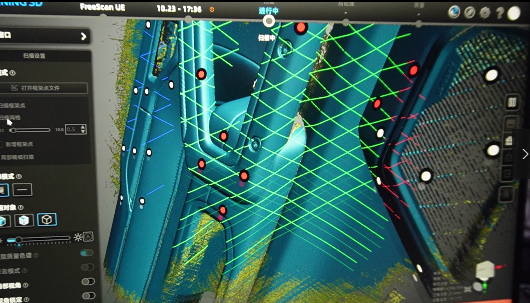
How to Choose a Data Plan? Will the Patterns Really Fit? In this FAQ, we’ll talk about two things every shop cares about: “Which plan is the most cost-effective?” and “How accurate is your data, really?” Q1: How many data pla...Read more -
YINK FAQ Series | Episode 4
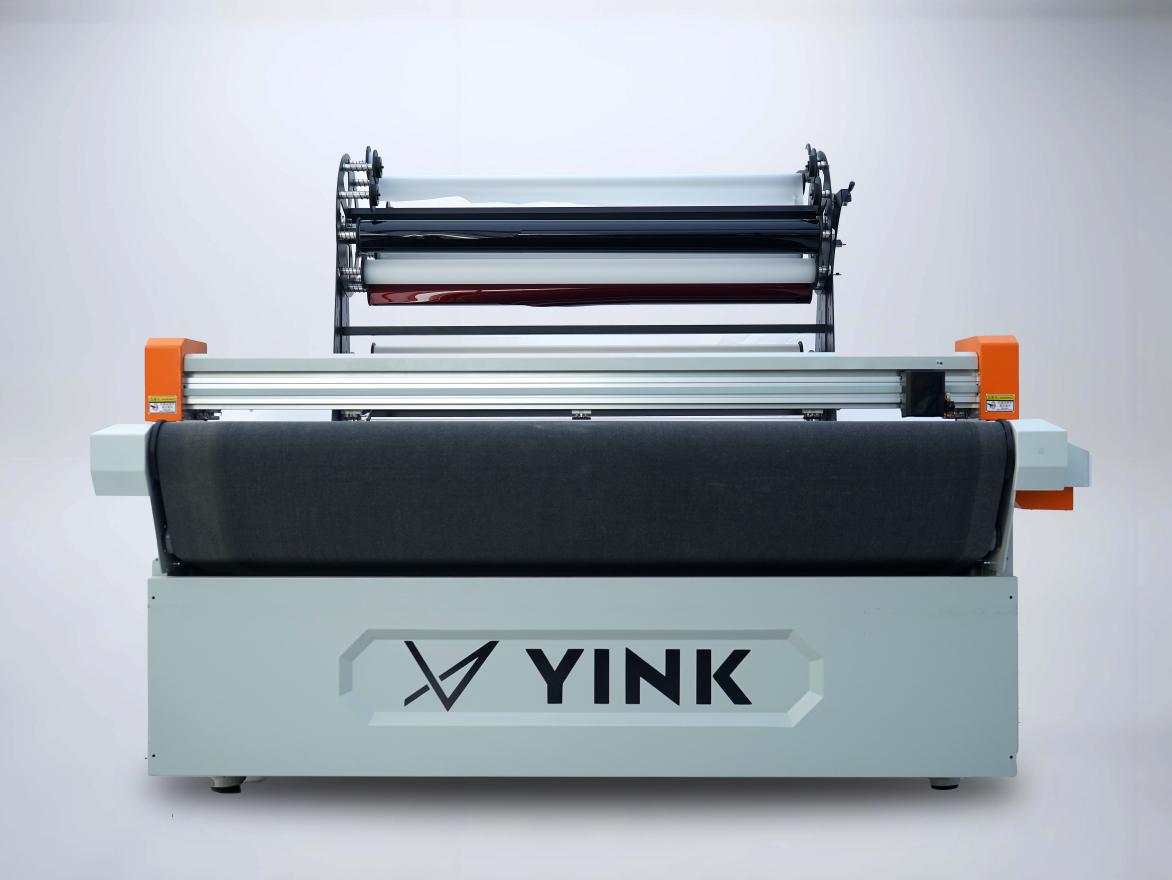
Q1: Is there a warranty for the machines I purchase? A1: Yes, of course. All YINK Plotters and 3D Scanners come with a 1-year warranty. The warranty period starts from the date you receive the machine and complete installation & calibration (based on invoice or logi...Read more -
YINK FAQ Series | Episode 3
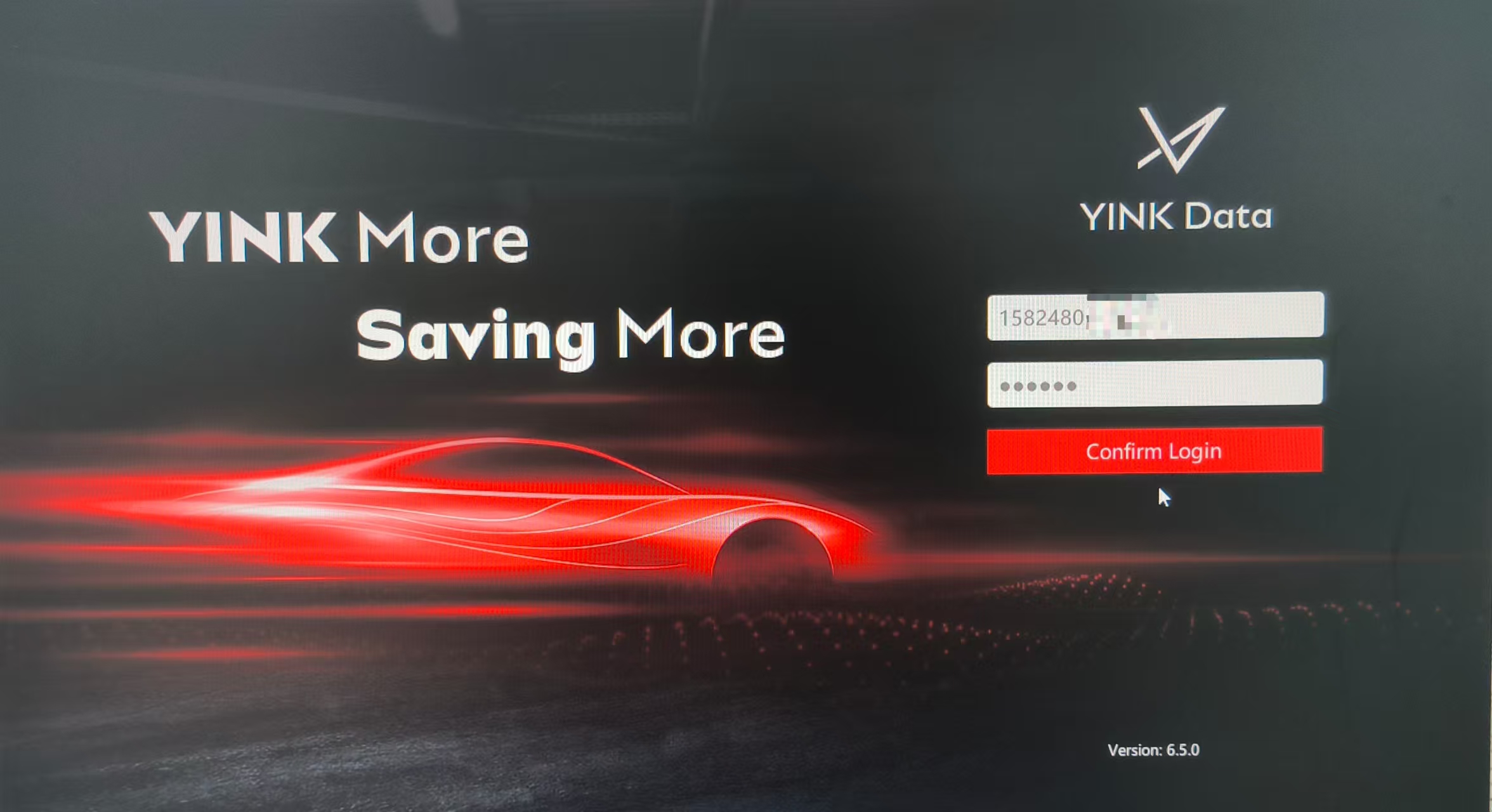
Q1|What’s new in YINK 6.5? This is a concise, user-friendly summary for installers and buyers. New Features : 1.Model Viewer 360 Preview full‑vehicle images directly in the editor. This reduces back‑and‑forth checks and helps confirm fine details (sensors, trims) befo...Read more -
YINK FAQ Series | Episode 2
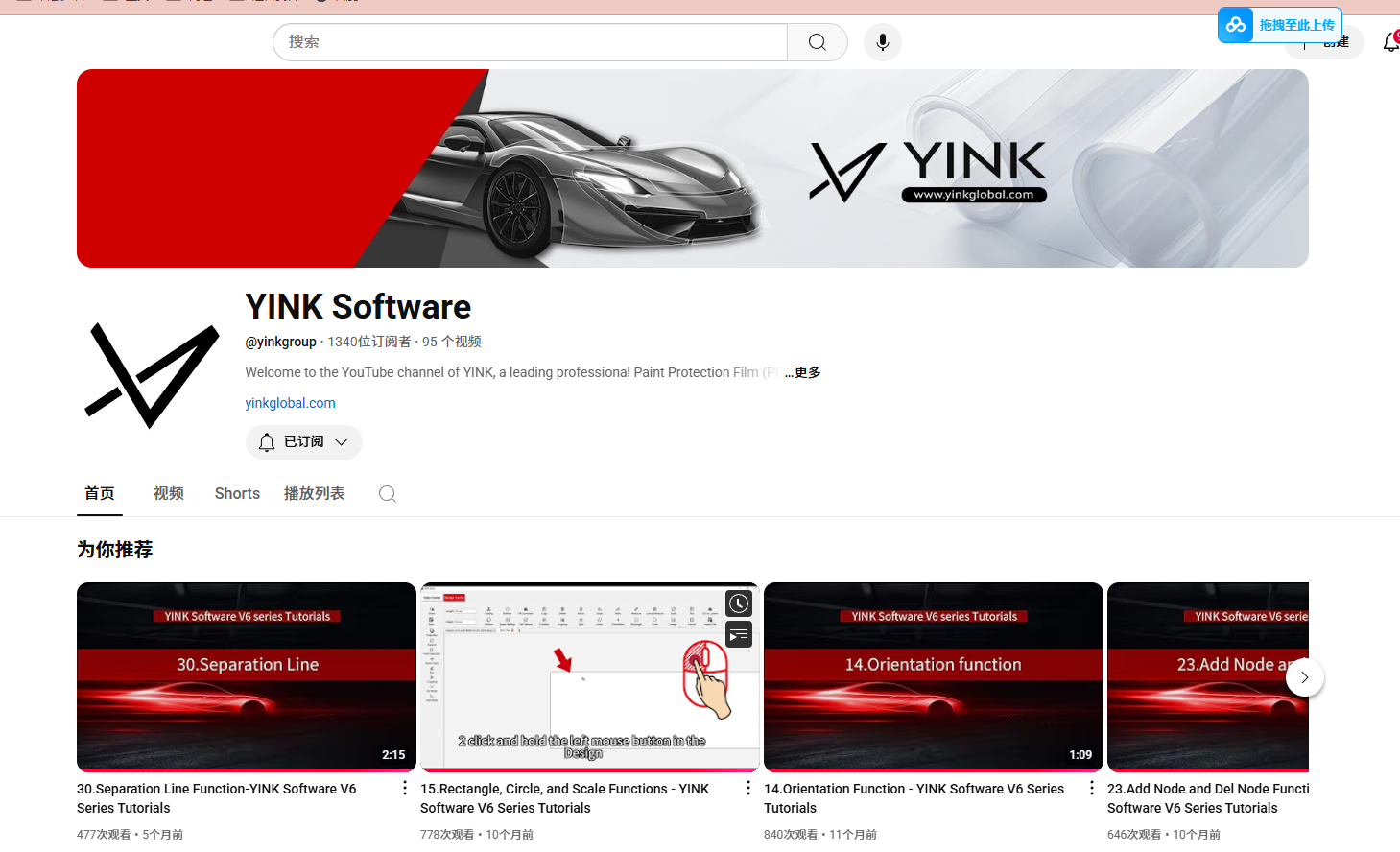
Q1: What are the differences between YINK plotter types, and how do I choose the right one? YINK provides two main categories of plotters: Platform Plotters and Vertical Plotters. The key difference lies in how they cut the film, which affects stability, workspace ...Read more


